Lumail vs MailerLite: Which Email Platform Fits You?
Compare Lumail and MailerLite by pricing model, AI-agent access, newsletter workflows, website tools, and transactional email to choose the right fit.
In this guide
Lumail is a MailerLite alternative that stores unlimited subscribers and prices by emails sent. MailerLite prices by active-subscriber tier and sending volume, and pairs email with websites, landing pages, forms, and digital products. Lumail is the email system itself: campaigns, graph workflows, and transactional email through a visual app and programmable tools.
The right choice depends less on the number of features and more on how you plan to work. This comparison uses public product information available on August 9, 2026. Check each pricing page before making a purchase because limits and plans can change.
Lumail vs MailerLite at a glance
| Decision | Lumail | MailerLite |
|---|---|---|
| Core focus | Newsletters, workflows, transactional email, and AI-agent operations | Marketing suite with email, websites, landing pages, forms, and digital products |
| Pricing basis | Email volume, without charging for subscribers stored | Active subscriber tier and sending volume |
| Free plan | 3,000 emails per month, no credit card | 250 active subscribers and 2,500 emails per month |
| AI and developer access | ChatGPT OAuth app, MCP, skills, CLI, SDK, REST API, and AI editor | 100+ integrations including Claude and ChatGPT; API and MCP sending require a paid plan |
| Website builder | No general-purpose website builder | Included website and landing-page tools |
| Transactional email | Built into the same Lumail organization through API or SMTP | Offered through the separate MailerSend product |
| Best fit | Teams that want email as a programmable system | Teams that want a broad no-code marketing toolkit |
MailerLite’s current limits and features come from its official pricing page and 2026 free-plan update. Lumail’s current plans are listed on the Lumail pricing page.
Choose Lumail if you want AI agents to operate email
Lumail treats AI and developer interfaces as product surfaces, not only writing helpers. The same organization-aware operations are available through:
- the visual Lumail dashboard and editor;
- a ChatGPT OAuth app;
- MCP for compatible assistants;
- reusable agent skills and a CLI;
- a TypeScript SDK and REST API.
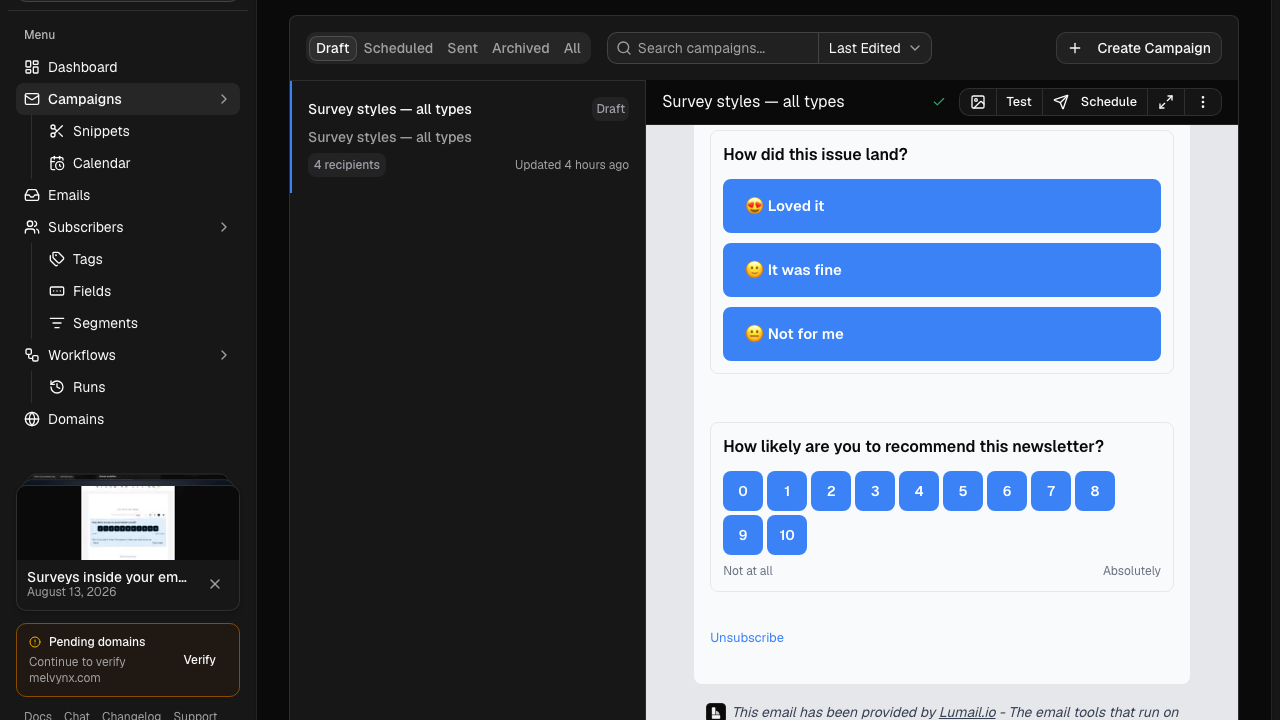
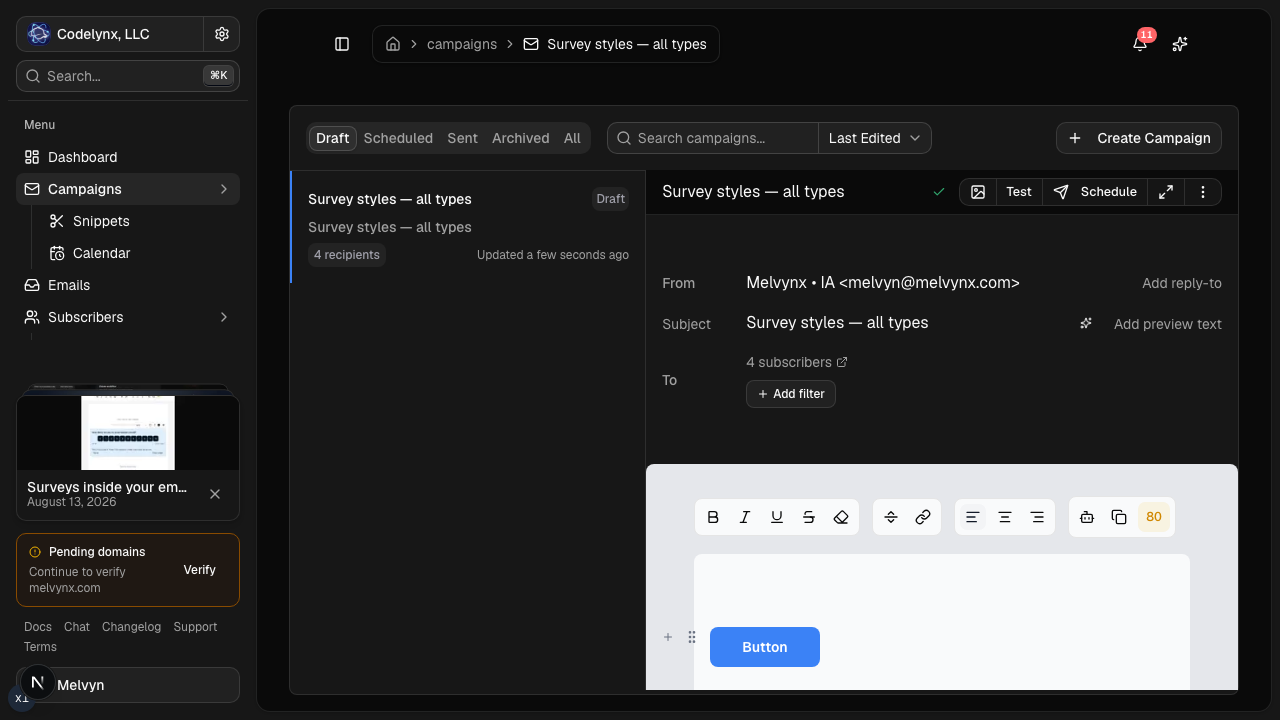
An agent can prepare a campaign draft, manage subscribers and tags, inspect a rendered email, work with graph-based workflows, or summarize results. You can keep consequential actions behind a human approval and finish the draft in the visual editor.
This is useful when your newsletter process already lives in a terminal, product backend, or assistant. Read the AI email marketing guide for a practical approval workflow.
MailerLite also advertises integrations with Claude and ChatGPT. Its official pricing page states that email sending through API and MCP is available on paid plans, while free-plan API and MCP access does not include sending.
Choose MailerLite if you want an all-in-one website toolkit
MailerLite includes tools beyond email marketing. Its free plan includes one website, one landing page, forms, visual automations, digital product capability, and multiple email editors. Paid tiers raise or remove those limits.
That makes MailerLite a strong fit when you want to build a simple website, landing pages, pop-ups, forms, and email campaigns in one no-code suite. Its website builder supports blogs, custom domains, payments, and interactive content depending on the plan.
Lumail provides capture pages and web domains for subscriber acquisition, but it is not trying to replace a general-purpose website builder. Its focus is the email system: audiences, campaigns, automated workflows, delivery, and programmable access.
Compare the pricing model, not only the starting price
Lumail starts with 3,000 emails per month for free. Its positioning is simple: pay for emails sent, not subscribers stored. That model is useful for a large audience you contact selectively or infrequently because keeping a subscriber record does not by itself move you into a higher contact tier.
MailerLite’s free plan currently includes up to 250 active subscribers and 2,500 emails per month. Its paid pricing scales using subscriber tiers and monthly sending allowances. Comfort uses a monthly email ceiling based on the subscriber tier, while Power includes unlimited monthly emails subject to its fair-use policy.
Model your own usage before comparing prices:
- count active subscribers;
- estimate campaign recipients per month;
- add workflow and transactional volume;
- include expected list growth;
- check the features and seats your team requires.
A platform that is cheaper for a 200-person weekly newsletter may not be cheaper for a 20,000-person list that receives one targeted campaign per month. The opposite can also be true for a small list with very high sending frequency.
Run three pricing scenarios
Do not compare one screenshot of each pricing page. Build a small model using your actual list and sending rhythm.
| Scenario | What to calculate | Why it matters |
|---|---|---|
| Normal month | Active contacts, campaign recipients, workflows, and transactional volume | Shows the recurring operating cost |
| Launch month | Peak campaign frequency, larger segments, and automation activity | Exposes overages and plan ceilings |
| Twelve months later | Expected list growth and the same sending rhythm | Reveals contact-tier jumps before they happen |
With Lumail, list growth alone does not change the plan because subscriber storage is unlimited. Sending volume drives the bill. With MailerLite, active subscriber tiers and the selected plan both matter. MailerLite may be attractive when its broad toolset replaces separate website, form, or digital-product software. Lumail may be attractive when a large stored audience receives selective campaigns or when programmable operations replace manual work.
Compare newsletter automation
Both products provide visual automation. MailerLite offers triggered automations for use cases such as welcome sequences, purchases, and abandoned carts. Limits vary by plan; its 2026 plan documentation lists up to three automations on Free, 50 on Comfort, and unlimited use on Power.
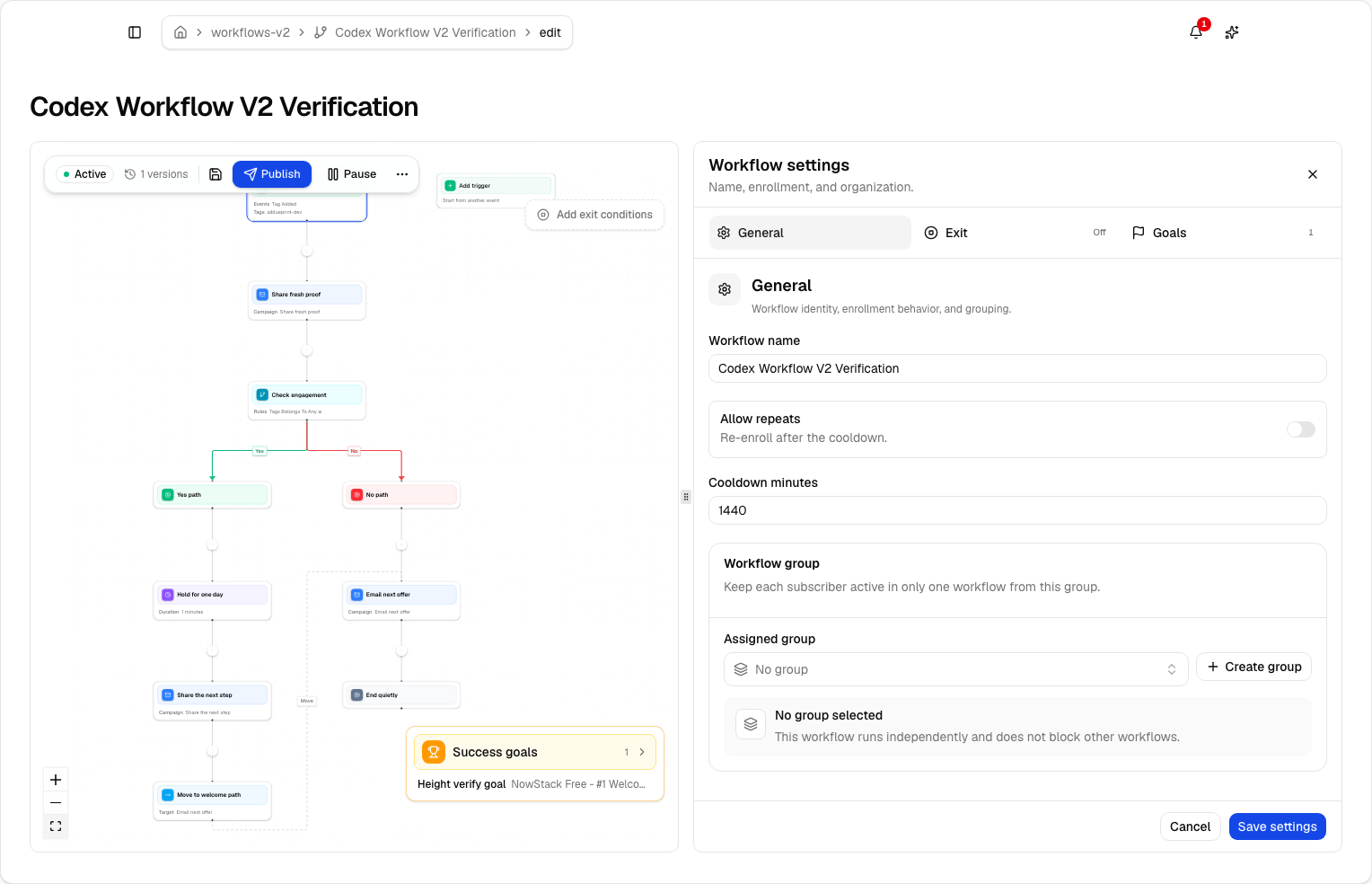
Lumail uses a graph-based workflow engine with:
- subscriber, tag, event, schedule, and manual triggers;
- email, wait, action, and webhook steps;
- condition, event, and weighted branches;
- goals and exit rules;
- A/B paths;
- workflow groups for mutually exclusive journeys;
- draft and published definitions;
- the same workflow tools in the app, MCP, CLI, SDK, and API.
If you want to understand the implementation rather than compare feature labels, read the newsletter automation guide and workflow documentation.
Compare the weekly operating loop
Product tours emphasize setup. Your real cost appears in the tasks repeated every week.
In each platform, test how long it takes to:
- turn an approved brief into a draft campaign;
- reuse brand structure without copying stale links or claims;
- define an audience and verify the recipient estimate;
- send a test and inspect the final rendered message;
- schedule in the intended time zone;
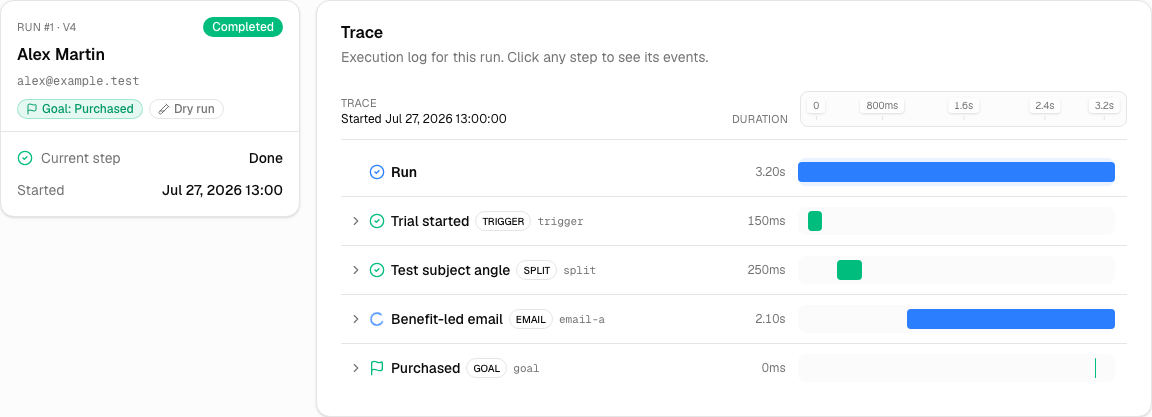
- answer why one subscriber did or did not receive an automation;
- report the campaign result to a teammate or an agent.
MailerLite's advantage may come from keeping websites, forms, and newsletters in a familiar visual suite. Lumail's advantage may come from moving the same operations between the visual app and programmable interfaces without rebuilding the workflow around exports and manual clicks.
Compare transactional email
Lumail supports transactional email in the same organization as campaigns and workflows. You can send through the API, SDK, CLI, AI tools, or SMTP relay. Transactional messages use their own priority semantics so account email does not simply wait behind a newsletter batch.
MailerLite connects website transactional messages to MailerSend, a separate transactional email product in the MailerLite family. That separation can be useful if you prefer distinct products and billing. Lumail is the more direct fit if you want one domain and one operating surface for campaigns, automated sequences, and product email.
See transactional email vs marketing email for the infrastructure and consent differences between the two streams.
Which platform should you choose?
Choose Lumail when your priority is:
- operating newsletters with AI agents or developer tools;
- paying by email volume rather than contacts stored;
- combining campaigns, workflows, and transactional email;
- keeping a visual editor beside an API, MCP, CLI, and SDK;
- building advanced, inspectable workflow graphs.
Choose MailerLite when your priority is:
- an established all-in-one marketing suite;
- a built-in website and landing-page builder;
- forms, digital products, and email under one no-code toolkit;
- a subscriber-tier pricing model that matches your usage;
- MailerLite’s template and integration ecosystem.
Neither list makes one product universally better. It identifies the operating model each product is designed to support.
A low-risk migration plan
A migration should prove sending and operations before moving the full audience.
1. Export clean subscriber state
Export active subscribers, unsubscribes, bounced addresses, tags, fields, and the consent data you rely on. Do not import only the active list and forget suppressions. Historical exclusions protect both compliance and sender reputation.
2. Authenticate a controlled sending identity
Configure SPF and DKIM, verify the sending domain, and decide whether the From address or subdomain will change. Keep the old platform available while DNS changes propagate and tests run.
3. Rebuild one revenue or activation workflow
Choose a workflow that matters but can be tested with a small audience. Recreate the trigger, messages, waits, branches, goal, and exit conditions. Run success, negative, and early-exit scenarios.
4. Send one representative campaign
Use a consented segment that reflects normal engagement. Verify personalization, mobile rendering, links, unsubscribe behavior, delivery events, and the recipient count before scheduling.
5. Compare repeated work
Record the time and number of manual steps required to create, approve, schedule, inspect, and report. Include the tools your team would stop paying for or need to add. Then decide with evidence from your workflow rather than a generic feature score.
Frequently asked questions
Is Lumail a MailerLite alternative that doesn't charge per subscriber?
Yes. Lumail stores unlimited subscribers on every plan and prices by delivered email volume. MailerLite prices by active-subscriber tier and sending volume. Model a normal month on both pricing pages before you switch.
Is Lumail cheaper than MailerLite?
It depends. A large list you email selectively usually costs less on Lumail. A small list that fits MailerLite's free 250-subscriber plan, or a team that needs the website builder, can stay cheaper on MailerLite. Run the numbers.
What is the main difference between Lumail and MailerLite?
MailerLite is a no-code marketing suite: email, websites, landing pages, forms, digital products. Lumail is an email operating system: campaigns, graph workflows, transactional email, and agent tools on every plan.
Can I migrate from MailerLite to Lumail?
Yes. Export actives and suppressions, authenticate the sending domain, rebuild one workflow, send one campaign, then compare the weekly loop including any agent steps before moving the full list.
Try the workflow that matters most
Before migrating a full list, reproduce one real workflow: import a controlled subscriber set, create a campaign, build one automation, verify domain setup, and inspect the final rendered email. Measure the setup effort and the steps your team will repeat every week.
You can start Lumail free with 3,000 emails per month and no credit card, or review the documentation before creating an account.
If you prefer a condensed version, the side-by-side comparison table covers the same facts in one screen.
Still evaluating the market? Browse the complete email platform pricing and comparison hub for Mailchimp, Kit, beehiiv, Substack, Brevo, ActiveCampaign, Loops, Buttondown, and Resend.