Changelog
Surveys inside your emails
Ask your subscribers a question straight from the email and get the answers back in Lumail. Type /survey in the campaign editor, pick a style, and every click on an answer is recorded, scored and available as a filter, a timeline event and a workflow trigger.
Surveys
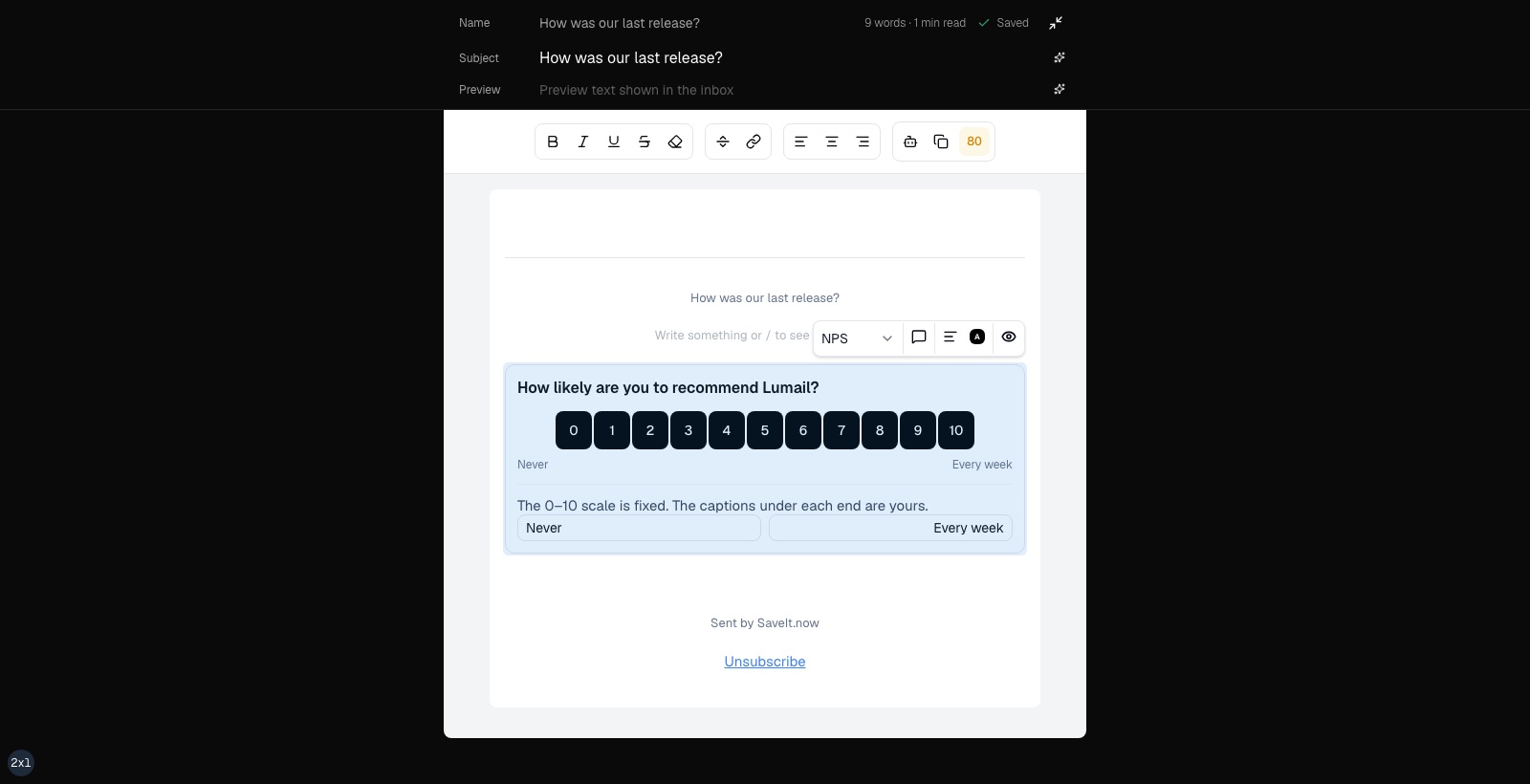
Type /survey in the campaign editor. The preview is the email: same stacking, same button size, same labels, same bordered card. An optional comment box can be attached to any style. Full guide: Surveys.
Buttons
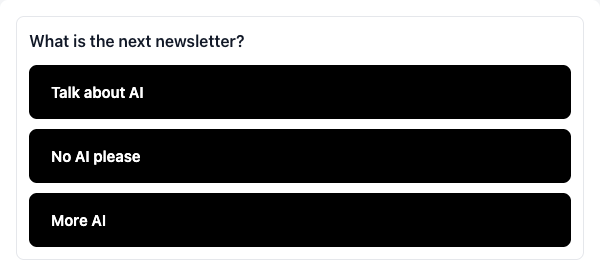
Full-width answers, stacked, left-aligned, all the same size.
Yes / No
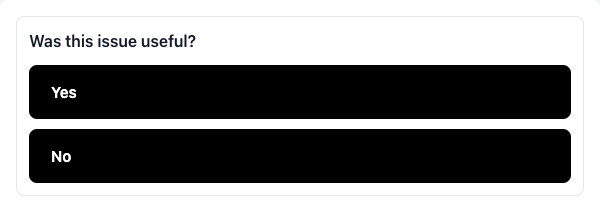
Two stacked answers. Same geometry as Buttons — Yes sits above No. Switching to this style rewrites the first two answers as Yes / No and keeps the rest saved if you switch back.
Emoji
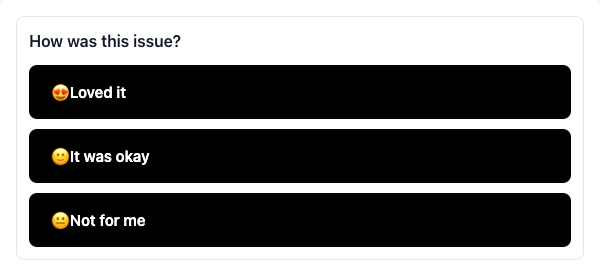
Same stacked buttons, with an emoji you pick printed in front of each label. Only this style shows the emoji in the email.
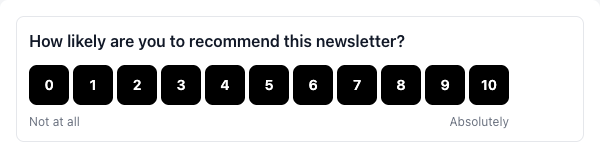
NPS
A fixed 0–10 scale, left-aligned with the question. The captions under 0 and 10 are yours; leave them blank to use the recipient's language.
Answers that stay true to what was sent
Every answer is recorded against an immutable snapshot of the survey, pinned in the vote URL. Editing the block afterwards never rewrites what past recipients saw or how their answers were scored.
Results where you already work
- A Survey tab on the campaign dashboard with per-answer aggregates and the newest comments.
- A SURVEY filter on subscribers, so you can segment on what someone answered.
- A SURVEY_ANSWERED timeline event on the subscriber profile.
- A
subscriber.survey.answeredworkflow trigger, scopable to one survey and one answer — send a different follow-up to promoters and to detractors.
Votes you can trust
The vote page works without JavaScript, submission needs a human signal plus a short timer, and bot traffic is filtered by a UA blocklist, per-IP limits and a fast-open heuristic. Flagged rows are kept for auditing and excluded from every aggregate. Recipients without JavaScript can change their vote and add, edit or clear a comment.
Survey blocks are validated on every send path: schedule, reschedule, immediate send, the v1 API, AI campaign tools and workflow publish.
Also in this release
Capture pages and lead magnets
Build a hosted capture page from a prompt, connect it to a lead magnet, and let new subscribers land straight in your list.
- Prompt-first builder — describe the page and the AI writes it, then refine it in the same chat you already use for the rest of your organization.
- Lead magnets delivered automatically once the subscriber confirms.
- A single shell for every recipient page — capture, confirmation, unsubscribe and preference pages now share one consistent layout.
Lumail from your terminal and your AI agent
lumailCLI with browser OAuth login — PKCE flow with a confirmation code, org consent, and multiple accounts in one config.- Claude Code and Codex plugins — install prompts and guides so your agent can prepare campaigns, inspect subscribers and build workflows for you.
- OAuth integrations and rich embeds for connecting Lumail to other tools.
A campaign editor that gets out of the way
- Focus mode hides everything but the email you are writing.
- Background autosave — navigation is never blocked again, and the campaign list shows the autosave status.
- Section blocks support full-width mode, background images and a borderless option.
- Sticky header everywhere in the editor.
Onboarding that learns your brand
- New organizations are created through the onboarding wizard itself.
- Lumail derives your brand voice, email design and logo from your website.
- The confirm step shows a preview of the real branded email before you send.
- An activation checklist step for installing Lumail in your SaaS.
- Domain verification reuses the same timeline and status badge as the domains page.
Subscribers
A subscriber score and an activity feed on the Overview show who is engaged and what they did recently.
Recipient pages in your subscribers' language
Every recipient-facing page is translated, and each organization picks the language its subscribers see.
Domains and deliverability
- BYODKIM for new domains, with migration for legacy identities.
test.lumail.iois provisioned by default so you can send immediately, and retired once your own domain is verified.- A DNS setup progress summary and a compacted records view.
- Bulk approval for verified domains.
Free plan
Emails sent from a Free organization carry a small "Sent with Lumail" badge. Transactional emails, including verification emails, are never badged. Paid plans are unaffected.
Under the hood
- Faster bulk dispatch: the per-email journal, quota and Email writes are group-committed.
- Active workflow runs migrate to the latest publication at step boundaries, and calendar waits are back.
- Every public route now serves a proper 1200×630 social card.