Lumail vs ActiveCampaign: Which Email Platform Fits You?
Compare Lumail and ActiveCampaign by AI-agent access, automation depth, pricing model, and transactional email to choose the right operating model for your team.
In this guide
Lumail is an ActiveCampaign alternative that prices by email volume, stores unlimited subscribers, and exposes the full platform to agents. ActiveCampaign prices by contact count and plan, and is built for CRM-connected journeys rather than agent-operated email.
The right choice depends on which of those questions matches your team. This comparison uses public product information available on August 9, 2026. Check each pricing page before purchasing because plans and limits change. You can also scan the side-by-side comparison table for the short version.
Lumail vs ActiveCampaign at a glance
| Decision | Lumail | ActiveCampaign |
|---|---|---|
| Core focus | Newsletters, workflows, transactional email, and AI-agent operations | Advanced marketing automation and CRM integration |
| Pricing basis | Email volume, without charging for subscribers stored | Contact tier and plan, calculated by contact count and currency |
| Free plan | 3,000 emails per month, no credit card | No permanent free plan; trial available |
| AI and developer access | 89 organization-scoped MCP tools, CLI, TypeScript SDK, REST API | Active Intelligence plus Claude and ChatGPT connections |
| Automation | Graph-based workflows with the same depth on every plan | Five actions per automation on Starter; broader on higher tiers |
| Transactional email | Built into the same organization through API or SMTP | Available as an add-on |
| Publishing | Capture pages and web domains for subscriber acquisition | Forms and landing pages on applicable plans |
| Best fit | Teams that want email as a programmable system agents can operate | Marketing teams with complex customer journeys and CRM requirements |
ActiveCampaign's current plans and limits come from its official pricing page. Lumail's current plans are listed on the Lumail pricing page.
Choose Lumail if you want AI agents to operate email
The main difference between these products is not a feature checkbox. It is who, or what, can run the platform.
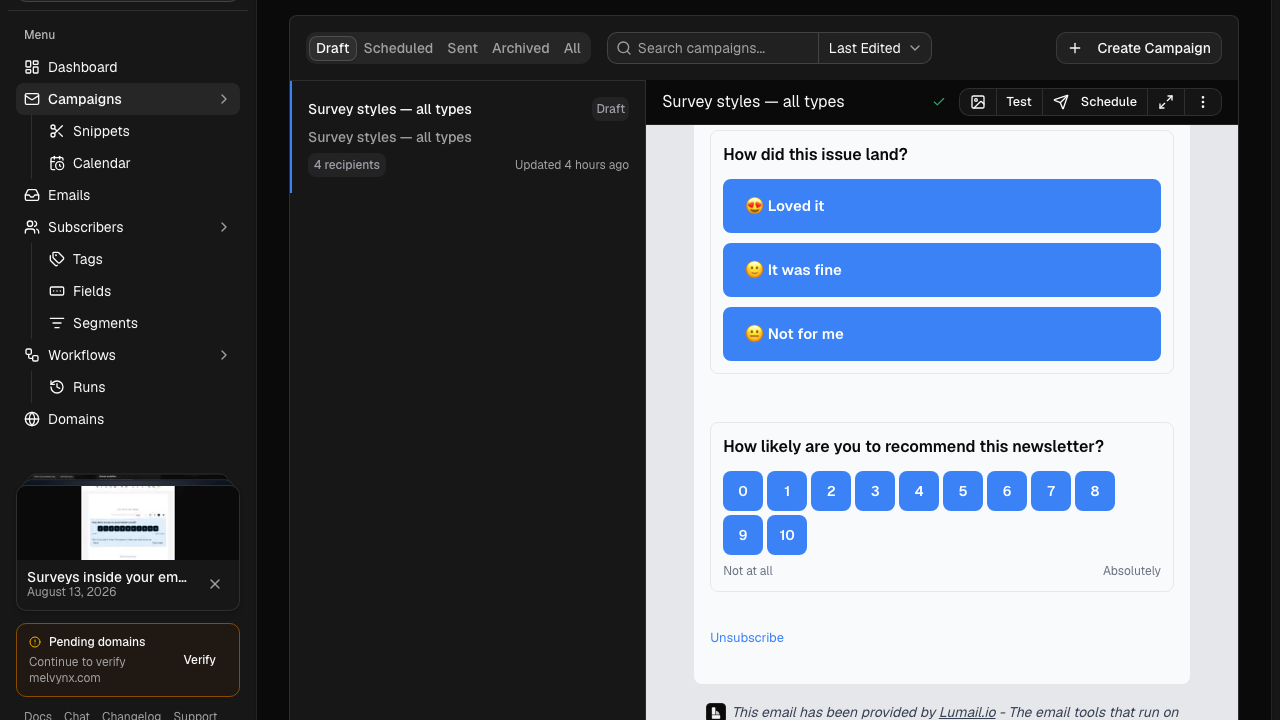
Lumail exposes 89 organization-scoped MCP tools that cover the same operations as the dashboard: subscribers, tags, campaigns, workflows, transactional sending, and reporting. Those tools run inside ChatGPT, Claude, Claude Code, Cursor, Hermes, and OpenClaw, and the same operations are available through a CLI, a TypeScript SDK, and a REST API. An agent can prepare a campaign draft, segment an audience, inspect a rendered email, walk a workflow graph, or summarize last week's results, and a human can review the draft in the visual editor before anything ships.
Because every tool is scoped to one organization, an agent session sees exactly the audience and campaigns it should, nothing else. That scoping is what makes it safe to give an assistant real operating access instead of a copy-paste writing role.
ActiveCampaign approaches AI from a different direction. It offers Active Intelligence plus Claude and ChatGPT connections. That fits its model: AI assists the marketer working inside ActiveCampaign. Lumail's model is the inverse: the platform is a set of tools any agent surface can drive, and the dashboard is one of those surfaces.
If your newsletter process already lives partly in a terminal, a product backend, or an AI assistant, this difference matters more than any individual feature. If your process lives entirely inside a marketing team's browser tabs, it matters less.
Choose ActiveCampaign if you need CRM-connected journeys
ActiveCampaign is one of the most established automation platforms in the market, and its strengths are real:
- deep journey automation and segmentation;
- CRM, ecommerce, attribution, and cross-channel options;
- a large automation recipe and integration ecosystem.
If your marketing runs on complex customer journeys that touch a sales pipeline, if attribution and cross-channel orchestration are essential, or if your team benefits from a mature library of prebuilt automation recipes, ActiveCampaign is designed for exactly that. Lumail does not include a CRM, and it does not try to orchestrate SMS or ad audiences.
One caveat worth checking against your plans: ActiveCampaign's Starter tier limits automations to five actions each, with broader automation on higher tiers. If automation depth is your reason for choosing it, price the tier that actually delivers that depth, not the entry tier.
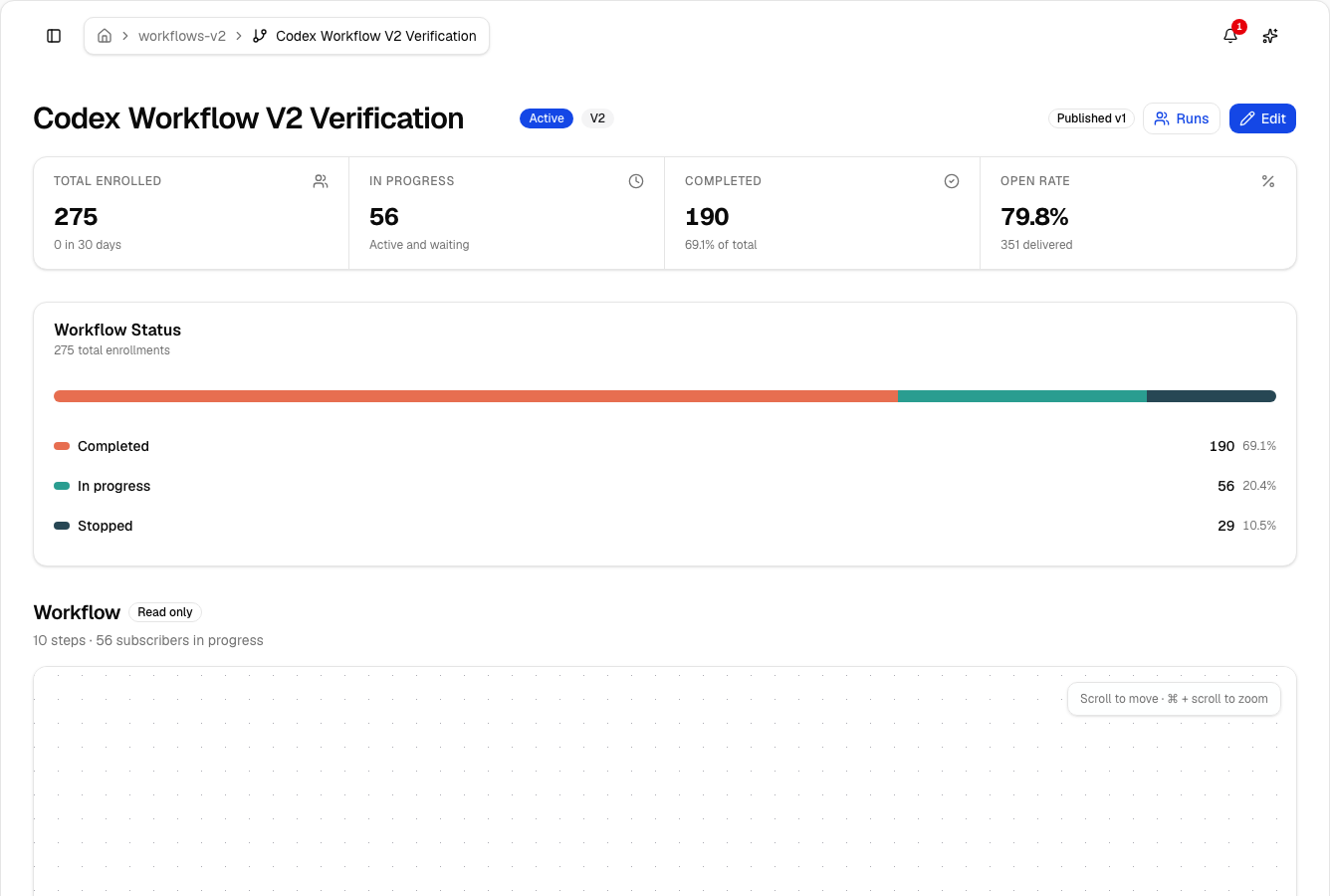
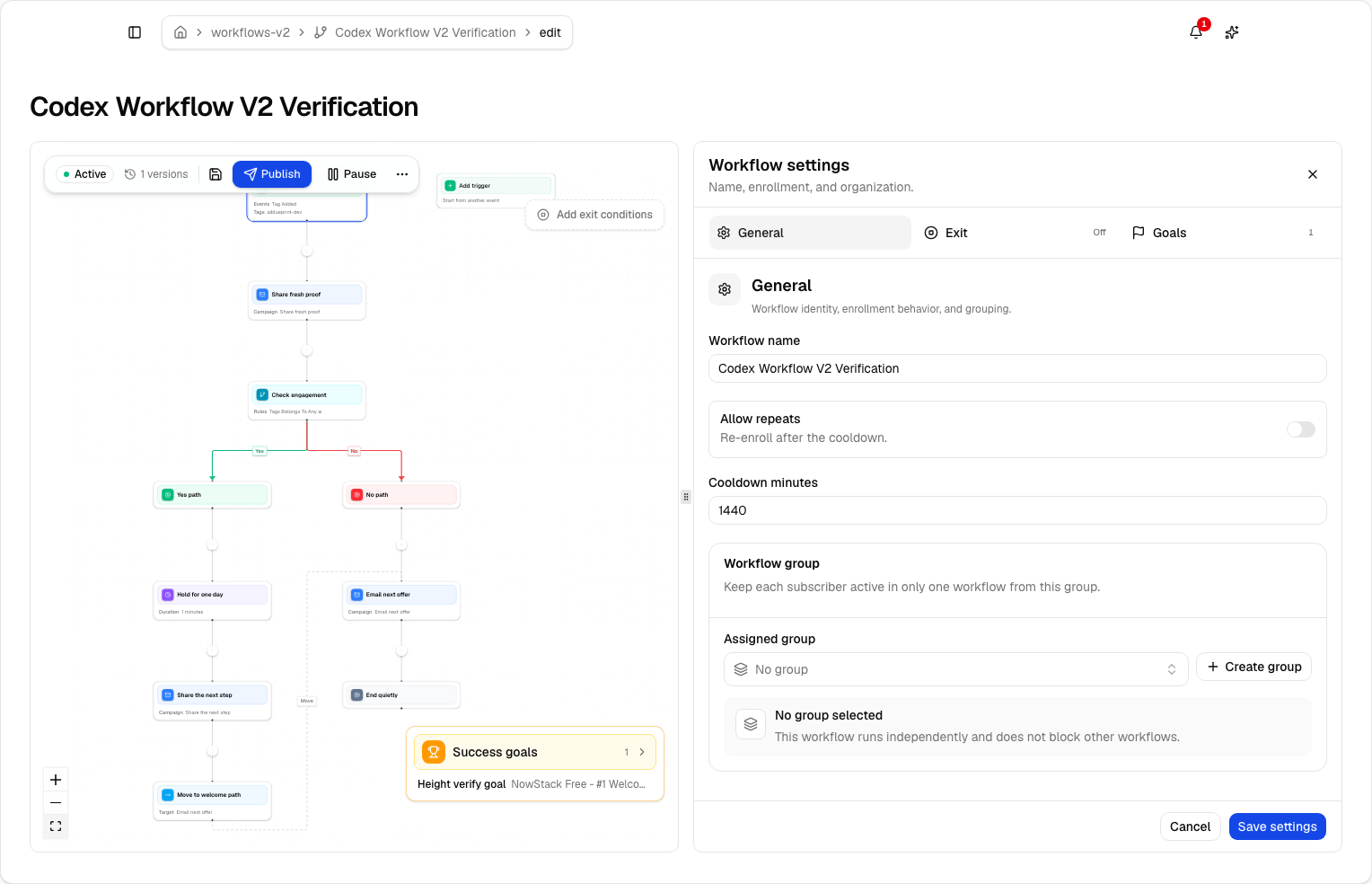
Lumail's workflow engine takes a different shape. It is graph-based, with subscriber, tag, event, schedule, and manual triggers; email, wait, action, and webhook steps; condition, event, and weighted branches; goals, exits, and A/B paths. The same workflow depth is available on every plan, and the same graphs are readable and editable through the app, MCP, CLI, SDK, and API. The workflow documentation shows the full model.
Compare the pricing model, not only the starting price
The two products price on different axes, so a single number comparison misleads.
ActiveCampaign has no permanent free plan; a trial is available. Its paid pricing is calculated by contact count, plan, and currency, so the same sending behavior costs more as your stored list grows, and the exact figure depends on the tier you select. Use the calculator on its pricing page with your real contact count.
Lumail prices on emails sent and stores unlimited subscribers on every plan:
- Free: 3,000 emails per month, no credit card;
- Premium: $20 per month with 40,000 emails included, then $0.60 per 1,000;
- Business: $200 per month with 400,000 emails included, then $0.40 per 1,000.
A worked example
Say you have 25,000 stored subscribers and send one weekly campaign to the full list, roughly 100,000 emails per month.
On Lumail Premium, that is $20 for the first 40,000 emails plus 60,000 overage emails at $0.60 per 1,000, so $36 in overage, for about $56 per month. If your volume grows past roughly 300,000 emails per month, Business becomes the cheaper plan. Storing another 25,000 subscribers you rarely email changes nothing, because subscribers are not billed.
On ActiveCampaign, the same 25,000 contacts place you in a contact tier regardless of how often you email them, and the price depends on the plan you need. Run your actual contact count through their calculator and compare against your Lumail math from the pricing page.
The general rule: contact-tier pricing favors small lists that are emailed constantly. Send-based pricing favors large lists that are emailed selectively. Model a normal month, a launch month, and your list twelve months from now before deciding.
Compare transactional email
Lumail includes transactional email in the same organization as campaigns and workflows. You can send through the REST API, the SDK, agent tools, or SMTP at smtp.lumail.io:587 with STARTTLS. One domain, one audience, one operating surface for marketing and product email.
ActiveCampaign offers transactional email as an add-on. That works if you prefer separating the two streams or already have transactional infrastructure. If you want password resets, receipts, and newsletters managed by the same tools and visible to the same agents, Lumail is the more direct fit. See transactional email vs marketing email for why the two streams have different consent and delivery requirements.
Which platform should you choose?
Choose Lumail when your priority is:
- MCP, CLI, and SDK operations as a core part of your workflow;
- public, predictable base and overage pricing;
- campaigns, workflows, and transactional email in one organization;
- unlimited subscriber storage with send-based billing;
- a visual editor and AI-assisted editing beside programmable access.
Choose ActiveCampaign when your priority is:
- sophisticated CRM-connected marketing journeys;
- attribution and cross-channel orchestration;
- a mature automation recipe and integration ecosystem;
- a team already fluent in its automation model.
Neither list makes one product universally better. ActiveCampaign is a marketing orchestration suite; Lumail is a smaller operational surface with transparent pricing and direct agent control. Pick the operating model, not the feature count.
A low-risk migration plan
If you are moving from ActiveCampaign, prove the essentials before moving the full audience.
1. Export clean subscriber state
Export active contacts, unsubscribes, bounces, tags, custom fields, and the consent data you rely on. Import suppressions, not only the active list. Historical exclusions protect compliance and sender reputation.
2. Authenticate a controlled sending identity
Configure SPF and DKIM, verify the sending domain, and decide whether the From address changes. Keep ActiveCampaign running while DNS propagates and tests run.
3. Rebuild one automation as a workflow graph
Pick one journey that matters, such as a welcome sequence or an activation nudge. Recreate the trigger, messages, waits, branches, goal, and exit in Lumail's graph editor. Note that journeys built around CRM stages or cross-channel steps will need rethinking, because Lumail does not include a CRM; journeys built around email behavior translate directly.
4. Move transactional sending last
Point one low-risk transactional stream at the API or the SMTP relay, verify delivery events, then migrate the rest. Keeping the old path alive during the switch means no user misses a password reset.
5. Compare the repeated work
Time how long it takes in each platform to turn a brief into a draft, define an audience, inspect the rendered email, schedule, and report the result. Include the agent-driven version of each step if that is how your team works. Decide from your own workflow, not a feature grid.
Frequently asked questions
Is Lumail an ActiveCampaign alternative?
Yes, if you want agent-operated email with send-volume pricing. No, if you need CRM-connected journeys, attribution, and cross-channel orchestration.
Is Lumail cheaper than ActiveCampaign?
Often for large stored lists you email selectively, because Lumail never charges for subscribers. ActiveCampaign prices by contact count and plan, with no permanent free plan. Run your contact count through ActiveCampaign's calculator and your send volume through Lumail pricing.
What is the main difference between Lumail and ActiveCampaign?
ActiveCampaign is marketing automation plus CRM. Lumail is an email operating system: graph workflows on every plan, transactional email in the same org, and 89 MCP tools.
Can I migrate from ActiveCampaign to Lumail?
Yes. Export contacts and suppressions, authenticate the domain, rebuild one journey as a graph workflow, send one campaign, then move transactional last.
Try the workflow that matters most
Import a controlled subscriber set, create one campaign, rebuild one automation, and send one transactional message through the API or SMTP. Then hand the same tasks to an agent through MCP and see how much of your weekly loop it can carry.
You can start Lumail free with 3,000 emails per month and no credit card, review the documentation first, or browse the full comparison table if you are still weighing the two.