Lumail vs Brevo: Agent-Native Email or Multichannel CRM?
Compare Lumail and Brevo by AI-agent access, pricing model, automation, transactional email, and multichannel scope to pick the platform that fits how you work.
In this guide
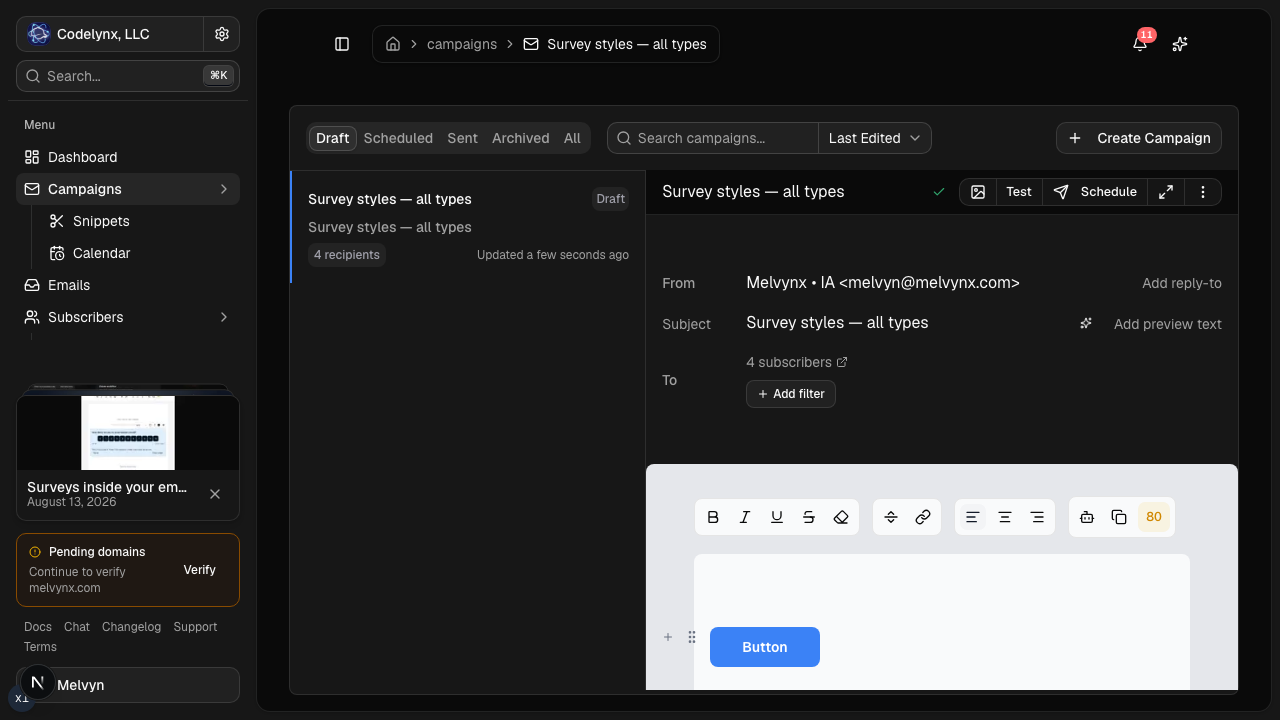
Lumail is a Brevo alternative for teams that want agent-operated email, not a multichannel CRM. Both send marketing and transactional email and both price by volume. Brevo adds SMS, WhatsApp, and sales tools. Lumail adds 89 MCP tools, a CLI, SDK, and REST API beside the visual app.
The deciding question is not which product has more features. It is who, or what, will be operating your email every week: a marketing team clicking through a CRM, or a person and their agents working from a chat window, a terminal, or an application backend. This comparison uses public product information available on August 9, 2026. Check each pricing page before purchasing, because plans and limits change.
Lumail vs Brevo at a glance
| Decision | Lumail | Brevo |
|---|---|---|
| Core focus | Newsletters, workflows, transactional email, and AI-agent operations | Multichannel marketing and CRM: email, SMS, WhatsApp, and sales tools |
| Agent access | 89 organization-scoped MCP tools in ChatGPT, Claude, Claude Code, Cursor, and others | AI content and send-time tools |
| Pricing basis | Email volume, with unlimited subscriber storage on every plan | Plan and monthly email volume |
| Free plan | 3,000 emails per month, no credit card | 300 emails per day |
| Paid plans | Premium $20/month; Business $200/month, both with metered overage | Starter from $9/month; Standard from $18/month |
| Automation | Graph-based workflows on every surface | Multi-step workflows from Standard |
| Transactional email | Same organization, through the API or smtp.lumail.io | Included in the broader platform |
| Publishing | Capture pages for subscriber acquisition | Forms and landing pages on applicable plans |
| Best fit | Teams whose main interface is an agent, terminal, or API | Businesses combining email with SMS, WhatsApp, CRM, and sales tools |
Brevo's current plans and features come from its official marketing platform page. Lumail's current plans are listed on the Lumail pricing page. For a condensed version of this article, see the side-by-side comparison table.
Choose Lumail if AI agents operate your email
This is the structural difference between the two products, and it matters more than any single feature row.
Lumail exposes 89 organization-scoped MCP tools. That is not a writing assistant bolted onto a dashboard; it is the platform itself made operable by agents. The same operations that exist in the visual app, covering subscribers, tags, campaigns, workflows, rendered email inspection, and reporting, are available wherever your agent already runs:
- ChatGPT, Claude, Claude Code, Cursor, Hermes, and OpenClaw through MCP;
- a CLI for terminal-first work;
- a TypeScript SDK and REST API for application backends.
In practice, an agent can pull last week's campaign results, draft the next issue against your audience segments, build or modify a graph workflow, send itself a test, and hand the draft to a human for approval in the visual editor. Every tool is scoped to the organization, so an agent operating your account works within the same boundaries as a teammate. The AI email marketing guide walks through a practical approval workflow.
Brevo's AI capabilities are content and send-time tools: assistance for writing and for choosing when a message goes out. Those are useful features inside Brevo's own interface, but they are a different category from an agent surface. If your process lives in a chat assistant, a coding agent, or a backend service, Brevo still expects a person in its dashboard for the operating work.
Choose Brevo if you need channels beyond email
Brevo's strength is breadth. It combines marketing and transactional email with SMS, WhatsApp, contact management, sales tools, and multichannel campaigns in one platform. If your customer communication genuinely spans those channels, running them from one contact database with one automation layer is a real advantage over stitching together separate products.
Brevo also offers forms and landing pages on applicable plans, and its volume-based email plans avoid the subscriber-only billing that surprises people on contact-tier platforms.
Lumail does not compete on channel breadth. There is no SMS, no WhatsApp, no CRM pipeline. It provides capture pages for subscriber acquisition, but its scope is deliberately the email system: audiences, campaigns, graph workflows, transactional delivery, and programmable access to all of it. If SMS, WhatsApp, and CRM are required channels for your business, Brevo's broader suite is the honest recommendation.
Compare the pricing model with your own numbers
Pricing is the secondary difference, but it is worth modeling precisely because both platforms bill by volume in different shapes.
Lumail's model has three published numbers per plan and no subscriber charge:
- Free: 3,000 emails per month, no credit card;
- Premium: $20 per month with 40,000 emails included, then $0.60 per 1,000;
- Business: $200 per month with 400,000 emails included, then $0.40 per 1,000.
Subscriber storage is unlimited on every plan, so list growth alone never changes your bill. Only sending does.
Brevo's free plan allows 300 emails per day, and paid plans start at $9 per month for Starter and $18 per month for Standard, scaling with plan and monthly email volume. Note the shape of the free allowances: Brevo's is daily, Lumail's is monthly. A steady drip of transactional email fits a daily allowance well. A weekly newsletter to a few thousand readers fits a monthly pool better, because one send can exceed a daily cap while sitting comfortably inside a monthly one.
A worked example
Say you have 12,000 subscribers and send one weekly newsletter to the full list, about 48,000 emails a month, plus 2,000 workflow and transactional messages.
On Lumail Premium, that is 50,000 emails: $20 for the first 40,000 included, then 10,000 overage at $0.60 per 1,000, which is $6. Total: $26 per month, regardless of whether your list holds 12,000 or 120,000 stored subscribers. At larger volumes the Business plan takes over: 500,000 emails a month costs $200 plus 100,000 overage at $0.40 per 1,000, so $240.
For Brevo, price the same 50,000 monthly emails against the volume tiers on its pricing page, and check which plan carries the features you need, since multi-step automation starts at Standard ($18 per month and up by volume). Then run the same numbers for a launch month and for the list size you expect in a year. The comparison that matters is your sending rhythm, not the smallest number on either pricing page. The full Lumail numbers are on the pricing page.
Compare automation depth and where it runs
Brevo provides multi-step workflows from its Standard plan. For common journeys such as welcome sequences and re-engagement, that covers the ground most marketing teams need, inside Brevo's visual builder.
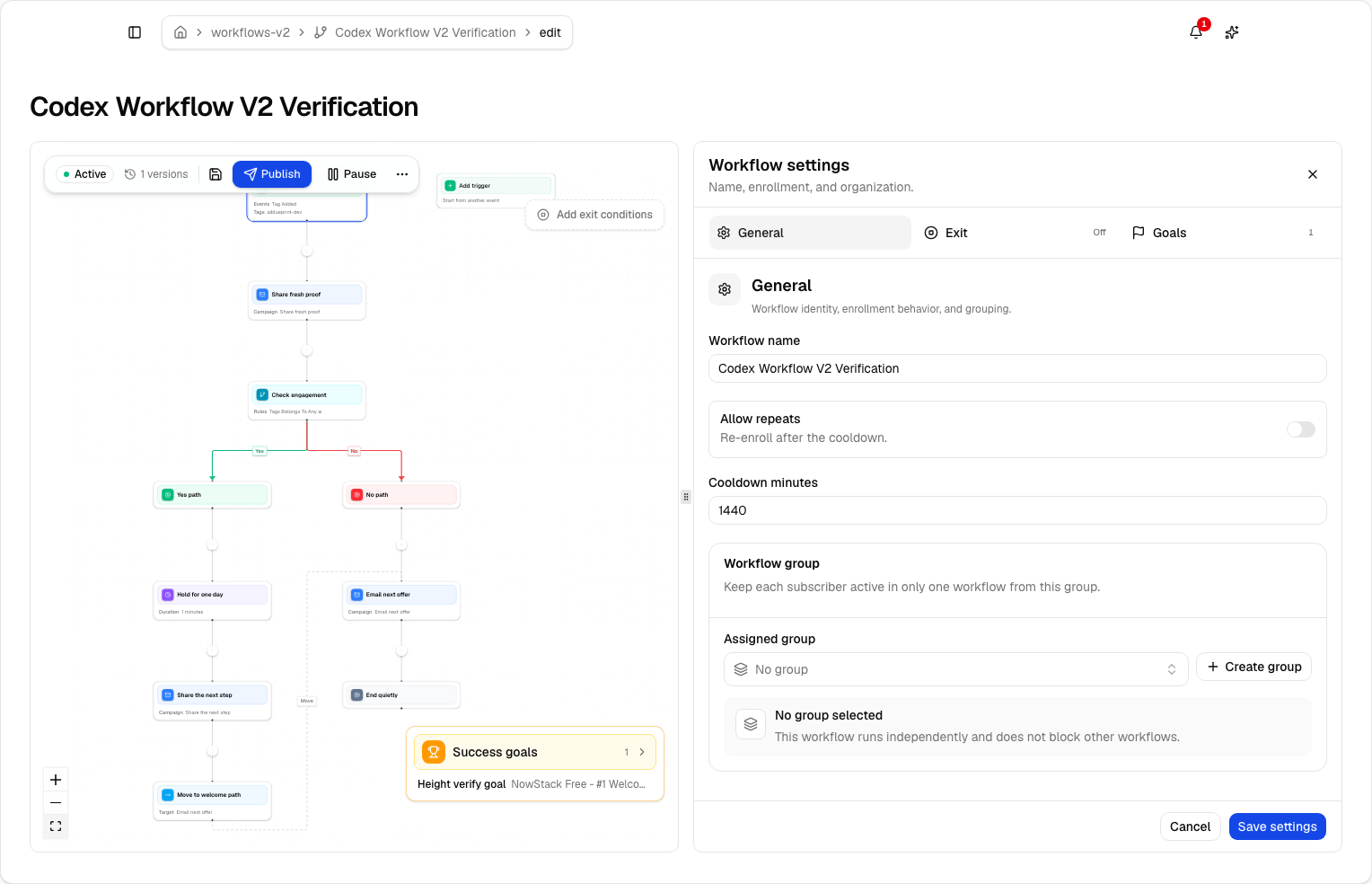
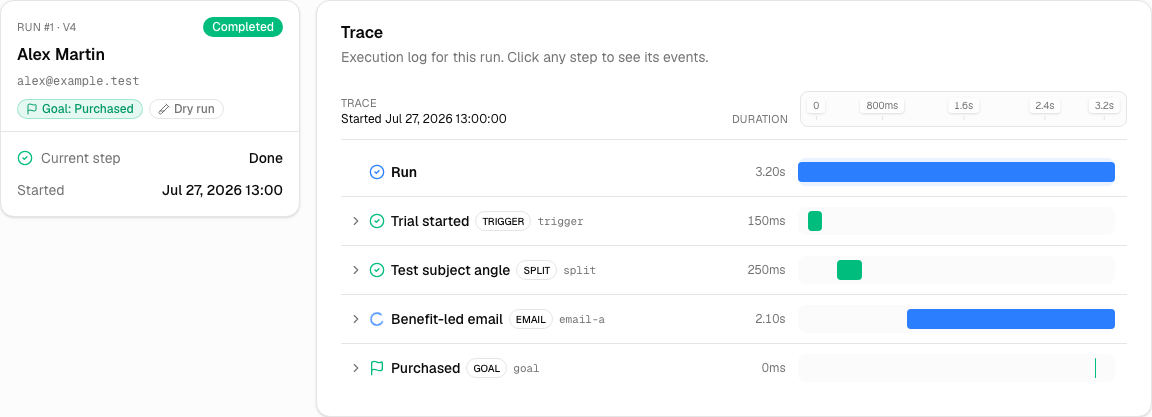
Lumail's automation is a graph-based workflow engine with subscriber, tag, event, schedule, and manual triggers; email, wait, action, and webhook steps; condition, event, and weighted branches; goals and exit rules; A/B paths; and workflow groups for mutually exclusive journeys. Workflows are available on every plan, and, consistent with the rest of the platform, the same workflow tools exist in the app, MCP, CLI, SDK, and API. An agent can inspect why a subscriber took a branch, not just a human reading a dashboard. The newsletter automation guide and workflow documentation cover the details.
Compare transactional email
Both platforms include transactional email rather than splitting it into a separate product, which is a genuine point of similarity.
Brevo includes transactional messages in the broader platform, alongside its marketing channels.
Lumail runs transactional email in the same organization as campaigns and workflows, through the REST API, SDK, CLI, agent tools, or SMTP relay at smtp.lumail.io:587 with STARTTLS. The SMTP path means an existing application can switch providers by changing credentials, without a rewrite. See the SMTP documentation and transactional email vs marketing email for how the two streams should differ in practice.
A low-risk migration plan
If you are moving from Brevo, prove the operating loop before moving the full audience.
- Export clean subscriber state. Bring active subscribers, unsubscribes, bounces, tags, and attributes. Import suppressions, not only the active list; historical exclusions protect deliverability and compliance.
- Authenticate a controlled sending identity. Configure SPF and DKIM, verify the domain, and keep Brevo running while DNS propagates and tests run.
- Rebuild one workflow that matters. Recreate the trigger, messages, waits, branches, and exits for a single revenue or activation journey, and test it with a small audience.
- Repoint one transactional stream. Switch a low-risk application email to the Lumail API or the SMTP relay and confirm delivery events before moving the rest.
- Send one representative campaign, then measure the loop. Count the manual steps to draft, approve, test, schedule, and report, and try the same loop through an agent or the CLI. That measurement, not a feature grid, is the evidence to decide with.
Frequently asked questions
Is Lumail a Brevo alternative?
Yes, if your job is email operated by agents, not a multichannel CRM. Lumail does not replace SMS, WhatsApp, or sales tools.
Is Lumail cheaper than Brevo?
Both price by volume, in different shapes. Brevo's free plan is 300 emails per day; Lumail's is 3,000 per month. A weekly newsletter to a few thousand readers usually fits Lumail's monthly pool better. A steady transactional drip can fit Brevo's daily cap. Model both.
What is the main difference between Lumail and Brevo?
Brevo is a multichannel suite. Lumail is an email operating system with 89 MCP tools, a CLI, SDK, and REST API beside the visual app.
Can I migrate from Brevo to Lumail?
Yes. Export subscribers and suppressions, authenticate the domain, rebuild one workflow, repoint one transactional stream, then send one campaign before moving the rest.
Verdict
Choose Brevo when SMS, WhatsApp, and CRM are required channels, when you need its broader sales and marketing suite, or when a daily free sending allowance matches your workflow. It is a capable multichannel platform, and Lumail does not try to replace that breadth.
Choose Lumail when your main interface is an AI agent, terminal, or application API; when you want a focused newsletter and email workflow product rather than a suite; and when unlimited subscriber storage with volume-based pricing fits how your list actually behaves. The 89 MCP tools are not a checkbox. They change who can do the work.
You can start Lumail free with 3,000 emails per month and no credit card, review the documentation first, or scan the side-by-side comparison table for the condensed version. Still evaluating the market? The comparison hub covers Mailchimp, Kit, beehiiv, Substack, MailerLite, ActiveCampaign, Loops, Buttondown, and Resend.