Lumail vs Buttondown: Agent-Native Email or Minimalist Newsletters?
Compare Lumail and Buttondown by AI-agent access, automation, transactional email, and pricing model to decide which newsletter platform fits how you work.
In this guide
Lumail is a Buttondown alternative that includes graph workflows on every plan and does not charge per subscriber. Buttondown is a writing-first newsletter tool that prices by active subscribers and sells automation as a $29/month add-on.
The real question is not which product has more features. It is whether your email work happens in a writing interface or increasingly runs through assistants, terminals, and code. Buttondown facts in this comparison come from its official pricing page as of August 9, 2026. Verify current limits before purchasing, because plans change.
Lumail vs Buttondown at a glance
| Decision | Lumail | Buttondown |
|---|---|---|
| Core focus | Campaigns, workflows, transactional email, and AI-agent operations | Minimalist, writing-first newsletters with modular add-ons |
| Pricing basis | Email volume; unlimited subscribers on every plan | Active subscribers plus optional feature add-ons |
| Free plan | 3,000 emails per month, no credit card | Free for the first 100 subscribers |
| AI and developer access | 89 organization-scoped MCP tools, CLI, TypeScript SDK, REST API | API available; no equivalent full agent surface |
| Automation | Graph-based workflows included on every plan | Available as a $29/month add-on |
| Transactional email | Built in through the API or SMTP in the same organization | Not positioned as a transactional email service |
| Publishing | Capture pages and domains for acquisition, no hosted archive | Hosted newsletter archives with optional custom archive domain |
| Best fit | Teams operating email through agents, code, and a visual app | Writers who want a focused, Markdown-friendly newsletter tool |
For the compact version of this table with plan details, see the side-by-side comparison table. Lumail's current plans are on the Lumail pricing page.
Choose Lumail if AI agents should operate your email
This is the structural difference between the two products, and it matters more than any single feature row.
Buttondown offers an API, which is enough to script subscriber imports or trigger a send from your backend. What it does not offer is a full agent surface: a way for an AI assistant to see and operate the whole platform on your behalf.
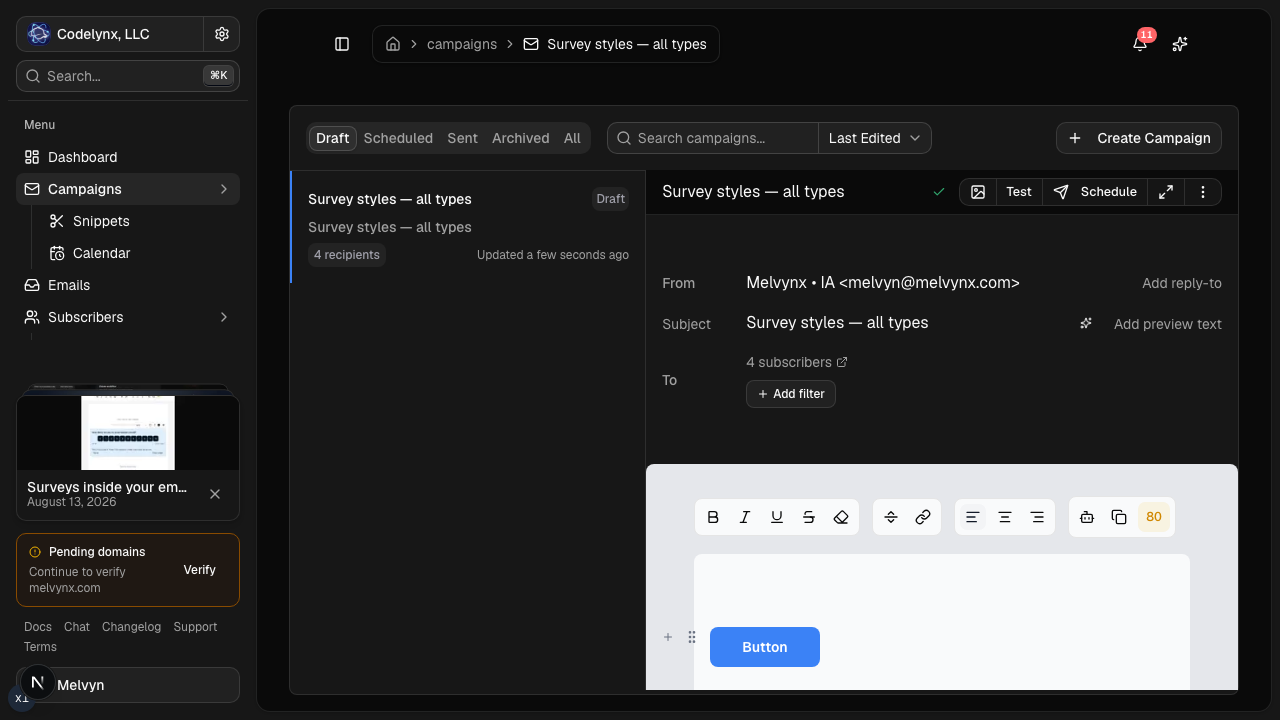
Lumail exposes 89 organization-scoped MCP tools covering campaigns, subscribers, tags, segments, workflows, templates, analytics, and transactional sending. The same operations run inside ChatGPT, Claude, Claude Code, Cursor, Hermes, and OpenClaw, plus a CLI, a TypeScript SDK, and a REST API. Every tool is scoped to your organization, so an agent works with your real audience and real campaign state, not a sandbox.
In practice that means you can ask an assistant to:
- draft next week's campaign from an approved brief and your existing template;
- segment subscribers by tag or engagement before a targeted send;
- inspect a rendered email and flag broken links before scheduling;
- read a workflow graph and explain why a subscriber took a specific branch;
- summarize last month's campaign results without exporting a CSV.
You keep consequential actions behind human approval and finish drafts in the visual editor. The point is not replacing the writing; it is removing the operational clicking around it. If your workday already includes Claude Code or Cursor, your newsletter platform becomes one more system your agents can operate instead of a tab you context-switch into.
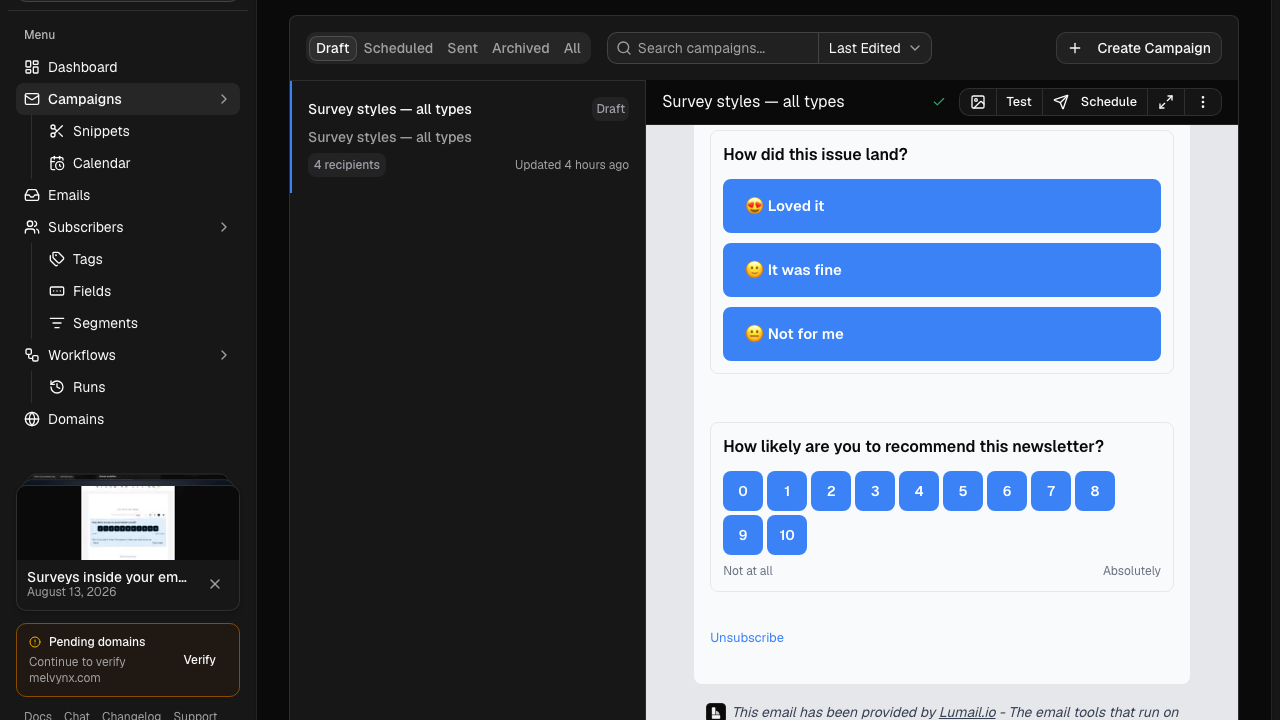
The second structural difference is scope. Buttondown treats automation as a $29/month add-on and is not positioned as a transactional email service. Lumail includes graph-based workflows on every plan and sends transactional email through the REST API or through smtp.lumail.io:587 with STARTTLS, inside the same organization as your newsletters. One domain reputation, one subscriber database, one audit trail for the marketing sequence and the password-reset email.
Choose Buttondown if you want a small, writing-first tool
Buttondown's appeal is deliberate minimalism. It is built around the act of writing: rich-text and Markdown editing, hosted archives your readers can browse, custom sending domains, and a privacy-first positioning that some audiences genuinely care about.
Its à-la-carte model is honest in its own way. You start free for the first 100 subscribers, pay a subscriber-based base price as you grow, and add features from $9/month only when you need them. If you never want automation, you never pay the $29/month it costs as an add-on. For a writer who sends one essay a week and wants nothing between the draft and the inbox, that restraint is a feature.
Choose Buttondown if:
- a writing-first Markdown workflow is enough;
- you want a small independent newsletter provider;
- an à-la-carte feature model matches your needs.
Lumail does not compete on hosted archives or minimalism. It provides capture pages and web domains for subscriber acquisition, but its center of gravity is the operating system around email: audiences, workflows, delivery, and programmable access.
Compare the pricing models, not the starting prices
Pricing is the secondary difference, but the models diverge enough to change the answer for specific list shapes.
Buttondown prices on active subscribers plus optional add-ons. It is free for the first 100 subscribers; after that, a subscriber-based base price applies, with add-ons from $9/month and automation at $29/month. The exact tiers are on its pricing page, and you should check them against your list size.
Lumail prices on emails sent, with unlimited subscriber storage on every plan:
- Free: 3,000 emails per month, no credit card;
- Premium: $20/month with 40,000 emails included, then $0.60 per 1,000;
- Business: $200/month with 400,000 emails included, then $0.40 per 1,000.
A worked example
Say you have 12,000 subscribers and send two campaigns per month to the full list, so 24,000 emails.
On Lumail, that is the Premium plan: $20 for the first 40,000 emails, so $20 that month. The 12,000 stored subscribers cost nothing by themselves; only the sending moved the bill.
On Buttondown, the same list sits well past the 100-subscriber free tier, so you pay the subscriber-based price for 12,000 active subscribers, plus $29/month if you want automation as an add-on. Whether that total beats $20 depends on Buttondown's current tier for your list size, which is why you should model your own numbers on its pricing page rather than trust anyone's summary.
The general shape holds regardless of exact tiers: subscriber-based pricing charges you for storing an audience, send-based pricing charges you for contacting it. A large list you email selectively favors Lumail's model. A small list you email constantly narrows the gap. Run the numbers for a normal month, a launch month, and your expected list size a year out before deciding.
Compare automation and transactional email
If your needs stop at a welcome email, either product works: Buttondown covers it once you take the automation add-on. The gap opens with anything conditional.
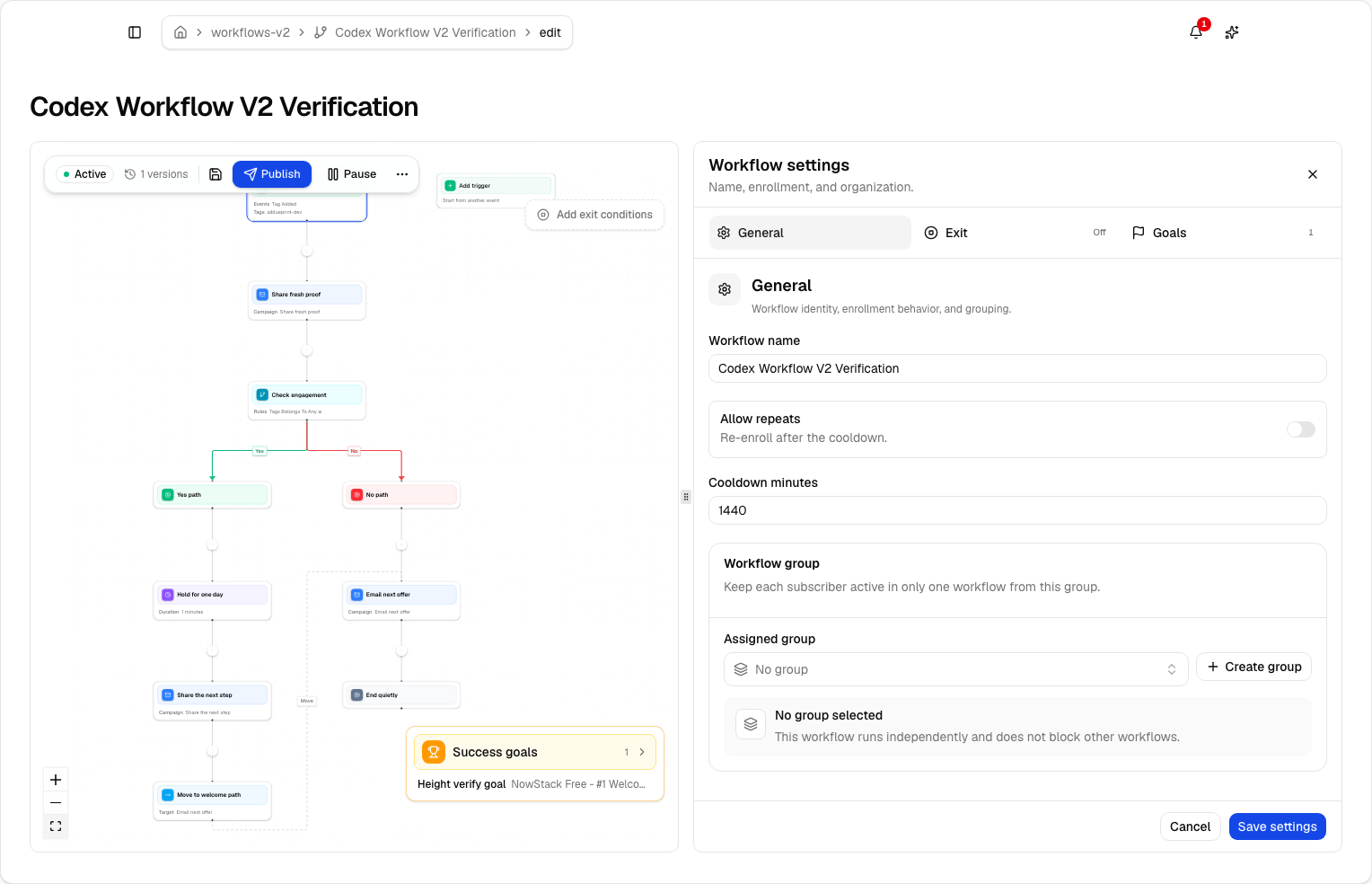
Lumail's workflow engine is graph-based and included on every plan: subscriber, tag, event, schedule, and manual triggers; email, wait, action, and webhook steps; condition and weighted branches; goals and exit rules; A/B paths; and draft versus published definitions. The same workflows are readable and editable from the app, MCP tools, CLI, SDK, and API, so an agent can answer "why did this subscriber get that email?" by tracing the actual run.
Transactional email is a cleaner split. Buttondown does not position itself as a transactional service, so a product that needs receipts or password resets pairs it with a separate provider: a second account, a second domain configuration, a second place to debug delivery. Lumail sends transactional messages from the same organization through the API or SMTP relay, with their own priority semantics so account email does not queue behind a newsletter batch.
Migrating from Buttondown to Lumail
A migration should prove the new system before the full list moves.
- Export clean subscriber state. Export active subscribers, unsubscribes, tags, and the consent data you rely on. Import suppressions as well as actives; historical exclusions protect deliverability and compliance.
- Authenticate your sending domain. Configure SPF and DKIM in Lumail, verify the domain, and decide whether your From address changes. Keep Buttondown live while DNS propagates.
- Rebuild one automation as a workflow. Recreate your welcome or onboarding sequence as a graph, then run success, unsubscribe, and early-exit scenarios with test subscribers.
- Send one representative campaign. Use a consented segment, verify rendering, links, unsubscribe behavior, and the recipient count before scheduling to everyone.
- Wire in your agents. Connect Lumail's MCP tools to the assistant you already use and run one real task, such as drafting a campaign or summarizing results. This step has no Buttondown equivalent, and it is the honest test of whether the switch pays off.
Buttondown's Markdown export and API make the subscriber export straightforward; the work is in rebuilding sequences and re-earning inbox placement on a verified domain.
Frequently asked questions
Is Lumail a Buttondown alternative?
Yes, if you want agent-operated email, included workflows, and send-volume pricing. Buttondown stays the better fit if you want a small writing-first tool with hosted archives.
Is Lumail cheaper than Buttondown?
A list past 100 subscribers plus the $29 automation add-on is usually cheaper on Lumail. A writer under 100 subscribers with no automation can stay free on Buttondown.
What is the main difference between Lumail and Buttondown?
Buttondown is a writing-first newsletter. Lumail is an email operating system: campaigns, graph workflows on every plan, transactional email, and 89 MCP tools.
Can I migrate from Buttondown to Lumail?
Yes. Export subscribers and suppressions via Markdown or the API, authenticate the domain, rebuild one sequence as a workflow, send one campaign, then wire MCP.
Which one should you choose?
Choose Buttondown if you are a writer who wants a small, independent, privacy-first tool where the whole product is the writing experience, and you are comfortable paying per subscriber with add-ons as needed.
Choose Lumail if email is part of a system you operate: agents drafting and inspecting campaigns through 89 MCP tools, workflows shipping without an add-on, transactional email on the same domain, and a bill that follows what you send rather than what you store.
You can start Lumail free with 3,000 emails per month and no credit card, review the pricing plans, or browse the full comparison hub for Mailchimp, Kit, beehiiv, Substack, Brevo, ActiveCampaign, Loops, and Resend.