Lumail vs Constant Contact: Which Email Platform Fits How You Work?
Constant Contact bundles email, social, SMS, and events, priced by contacts. Lumail bills by emails sent and lets AI agents operate campaigns and workflows.
In this guide
Constant Contact is a small-business marketing suite that bundles email with social posting, SMS, events, and ads, priced by how many contacts you store; Lumail is an email platform priced by emails sent, built so AI agents and developers can operate it. Both send campaigns and run automations. Constant Contact goes wider across channels. Lumail goes deeper into email.
Constant Contact says more than 460,000 small businesses, nonprofits, and franchises use it, and it backs them with phone support and onboarding. Lumail is built for teams whose email work runs through assistants, terminals, and product code as much as through a visual editor. Constant Contact facts here come from its official pricing page as of August 2026; plans change, so check before you buy. For the compact version, see the side-by-side comparison table.
Lumail vs Constant Contact at a glance
| Decision | Lumail | Constant Contact |
|---|---|---|
| Core focus | Campaigns, workflows, transactional email, and AI agents | Email plus social, SMS, events, and ads for small business |
| Pricing basis | Emails sent; unlimited subscribers on every plan | Plan plus contact tier, with a monthly send allowance |
| Free plan | 3,000 emails per month, no credit card | None; 30-day trial with up to 100 email sends |
| Paid entry | Premium at $20/month with 40,000 emails | Lite at $12/month for up to 500 contacts |
| AI and developer access | 89 MCP tools, CLI, TypeScript SDK, REST API | In-app AI writing, a ChatGPT drafting app, REST API |
| Automation | Graph workflows on every plan | Path builder; one active path on Lite, unlimited on Premium |
| Transactional email | Built in through the API or SMTP | Not offered as a transactional service |
| Best fit | Teams running email through agents, code, and a visual app | Local businesses and nonprofits wanting a supported suite |
Lumail's current plans are on the Lumail pricing page.
Choose Lumail if AI agents should operate your email
Constant Contact's AI helps a person in the dashboard: it writes emails, social posts, and landing pages, and suggests subject lines. Its official ChatGPT app drafts and previews an email, then sends you back to Constant Contact to schedule it. There is a REST API for contacts and marketing campaigns, but no MCP server, CLI, or SDK.
Lumail exposes 89 organization-scoped MCP tools covering campaigns, subscribers, tags, segments, workflows, templates, analytics, and transactional sending. The same operations run in ChatGPT, Claude, Claude Code, and Cursor, and through a CLI, a TypeScript SDK, and a REST API. An agent works on your real audience and workflow state, not only a draft.
In practice you can ask an assistant to:
- draft next week's campaign from a brief and your existing template;
- tag and segment subscribers before a targeted send;
- build a workflow graph and explain each branch;
- summarize last month's results without exporting a CSV.
Choose Lumail if you do not want your stored contact count to set the price, or if your product needs transactional email next to its newsletter.
Choose Constant Contact if you want more than email
Constant Contact is built for owners who want one vendor, one login, and a person to call. For a local business, that bundle is real value.
Choose Constant Contact if:
- you want social posting, SMS, event ticketing, and ads alongside email, with live phone support;
- your team will work in the dashboard with in-app AI, not with agents or an API;
- you are a nonprofit, franchise, or multi-location brand that wants its Teams product or nonprofit discounts.
Lumail does not do social, SMS, events, or ads. Its focus is email: audiences, workflows, delivery, and programmable access.
Compare the pricing models, not the starting prices
Constant Contact charges a plan fee plus a contact tier. The tier is set by the highest number of contacts you had during the billing period, so a list that goes from 400 to 525 and back to 410 bills at the 501 to 1,000 tier. Each tier comes with a monthly campaign send allowance, 10 times the tier on Lite, and extra sends cost $2 per 1,000. Automated emails do not count toward that allowance.
Constant Contact publishes only starting prices, for up to 500 contacts:
- Lite: $12 a month;
- Standard: $35 a month;
- Premium: $80 a month.
Paying a year up front saves 15%. For larger lists, you pick a contact count on its pricing page to see the price.
Lumail charges by emails sent and never by stored contacts:
- Free: 3,000 emails per month, no credit card;
- Premium: $20/month with 40,000 emails included, then $0.60 per 1,000;
- Business: $200/month with 400,000 emails included, then $0.40 per 1,000.
A worked example
Say you run a local business with 400 contacts and send a weekly newsletter, so about 1,600 emails a month, plus a welcome automation.
On Lumail, that fits the free plan: 1,600 emails is under 3,000, and workflows are included. $0 a month.
On Constant Contact, 400 contacts is the entry tier: $12 a month on Lite, which allows one active automation. If you wanted resends to non-openers or up to three automations, you would move to Standard at $35.
The gap grows with the list, because Constant Contact's price follows every contact you store, whether or not you email them that month. Model your real list on its pricing page before deciding.
Compare automation and transactional email
Constant Contact's automation path builder handles welcome series, birthdays, anniversaries, and, on Premium, ecommerce flows for stores like Shopify and WooCommerce. Paths can mix email and SMS, with delays and conditional splits. The plan sets the ceiling: one active path on Lite, three on Standard, and unlimited custom paths only on Premium.
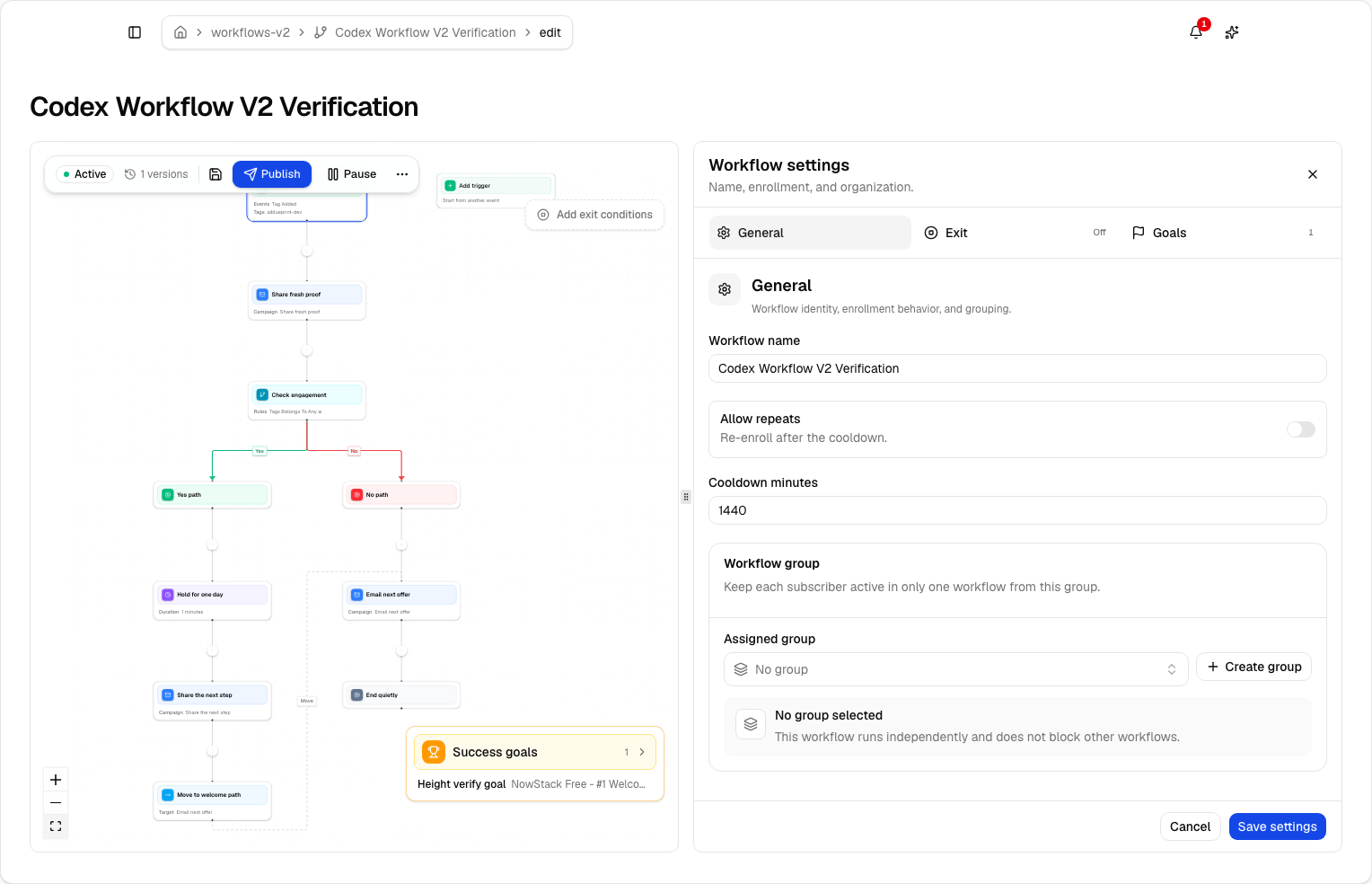
Lumail's workflow engine is graph-based and included on every plan, including Free. It supports subscriber, tag, event, schedule, and manual triggers; email, wait, action, and webhook steps; condition and weighted branches; and goals and exit rules. Agents can read and edit the same graphs through MCP, the CLI, the SDK, and the API.
Constant Contact does not offer transactional email; its API sends marketing campaigns to lists, not receipts or password resets to individuals. A product that needs account email pairs it with a second provider. Lumail sends transactional email through the REST API or smtp.lumail.io:587 with STARTTLS, in the same organization as your campaigns.
Migrating from Constant Contact to Lumail
- Export contacts and suppressions. Export contacts with lists and tags, plus unsubscribes and bounces, and import the suppressions into Lumail first.
- Authenticate your sending domain. Set up SPF and DKIM in Lumail and verify the domain while Constant Contact keeps sending.
- Rebuild one automation path. Recreate your welcome path as a Lumail workflow and test it with a few addresses. Paths do not export.
- Plan for the other channels. If you use Constant Contact for social, SMS, or events, decide what replaces them before you cancel.
- Send one campaign, then add product email. Send to a small consented segment, then connect your app to Lumail's API or SMTP for transactional email.
Frequently asked questions
Is Lumail a Constant Contact alternative?
Yes, for the email part. Constant Contact is a supported small-business suite with social, SMS, and events; Lumail is email only, billed by volume, with graph workflows, transactional email, and 89 MCP tools.
Is Lumail cheaper than Constant Contact?
Usually. Constant Contact starts at $12 a month for up to 500 contacts and has no free plan, while Lumail is free up to 3,000 emails a month and $20 for 40,000. Constant Contact's price also rises with every contact you store.
What is the main difference between Lumail and Constant Contact?
Constant Contact is a dashboard suite for many channels, billed by contact tier, with AI that drafts inside the product. Lumail is an email platform billed by emails sent, where agents and developers operate the same account as humans.
Can I migrate from Constant Contact to Lumail?
Yes. Export contacts and suppressions, authenticate your domain, and rebuild automation paths as Lumail workflows. Add Lumail's API or SMTP for product email when you cut over.
Which one should you choose?
Choose Constant Contact if you are a local business or nonprofit that wants email, social, SMS, and events in one supported dashboard, and your team will never touch an API.
Choose Lumail if email is the channel that matters, your list is growing, and you want workflows, transactional email, and agents that can operate the account through 89 MCP tools.
You can start Lumail free with 3,000 emails per month and no credit card, review the pricing plans, or browse the full comparison hub.