Lumail vs Zoho Campaigns: Which Email Platform Fits How You Work?
Zoho Campaigns prices by contacts and sends transactional email through ZeptoMail. Lumail bills by emails sent and keeps both, plus 89 MCP tools, in one.
In this guide
Lumail is an email platform that bills by emails sent, with unlimited subscribers on every plan. Zoho Campaigns is the marketing email tool in the Zoho suite, billed by contact count, with unlimited sends on paid plans and transactional email handed off to a separate product, ZeptoMail.
If you already run Zoho CRM or Zoho One, Campaigns is the natural, inexpensive choice. If you want marketing and transactional email in one place, and AI agents that can operate it, the two products diverge quickly. Zoho Campaigns facts in this comparison come from its official pricing page as of August 2026. Verify current limits before purchasing, and see the side-by-side comparison table for the compact version.
Lumail vs Zoho Campaigns at a glance
| Decision | Lumail | Zoho Campaigns |
|---|---|---|
| Core focus | Campaigns, workflows, transactional email, and AI-agent operations | Marketing email and SMS inside the Zoho suite |
| Pricing basis | Email volume; unlimited subscribers on every plan | Contact-count tiers; unlimited sends on paid plans |
| Free plan | 3,000 emails per month, no credit card | 2,000 contacts and 6,000 emails per month, no workflows |
| Paid entry | Premium at $20/month with 40,000 emails | Standard at $4/month for 500 contacts |
| AI and developer access | 89 MCP tools, CLI, TypeScript SDK, REST API | REST API on every plan; no MCP server or CLI |
| Automation | Graph workflows included on every plan | Basic workflows on Standard; advanced on Professional |
| Transactional email | Built in through the API or SMTP | Not allowed; Zoho points you to ZeptoMail |
| Best fit | Teams operating email through agents, code, and a visual app | Teams already on Zoho CRM wanting low-cost marketing email |
Lumail's current plans are on the Lumail pricing page.
Choose Lumail if AI agents should operate your email
This is the structural difference, and it matters more than any single feature row.
Zoho Campaigns offers a REST API on every plan, including Free, for managing campaigns and lists. It documents no MCP server, ChatGPT app, CLI, or TypeScript SDK. Zoho has a company-wide MCP product, but Campaigns is not among the apps it lists.
Lumail exposes 89 organization-scoped MCP tools covering subscribers, tags, segments, campaigns, workflows, templates, analytics, and transactional sending. The same operations run inside ChatGPT, Claude, Claude Code, and Cursor, plus a CLI, a TypeScript SDK, and a REST API.
In practice, you can ask an assistant to:
- draft next week's campaign from a brief and your existing template;
- build a segment from tags and engagement before a targeted send;
- read a workflow and explain why a subscriber took a specific branch;
- summarize last month's results without exporting a spreadsheet.
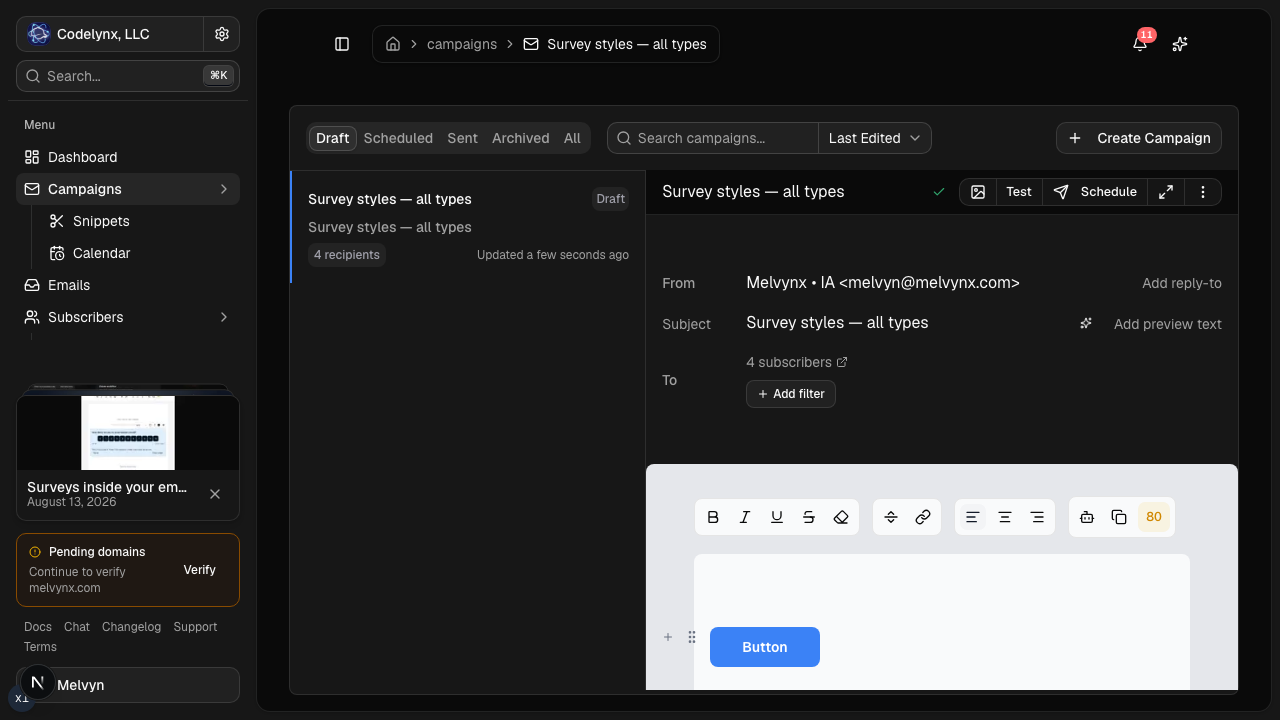
Humans still review and schedule in the visual editor. The point is removing the operational clicking, not the judgment.
Choose Zoho Campaigns if you already live in Zoho
Zoho Campaigns' strength is its place in the Zoho ecosystem. It syncs natively with Zoho CRM, Commerce, Books, and Desk, and also connects to Shopify, WooCommerce, Salesforce, and HubSpot. Professional adds cart-abandonment and purchase follow-ups, scoring, dynamic content, and send-time optimization. An Agency Edition manages client accounts, and SMS credits are available as an add-on.
It is also inexpensive at the low end: $4/month for 500 contacts with unlimited sends.
Choose Zoho Campaigns if:
- your business already runs on Zoho CRM, Commerce, or Zoho One;
- you have a small list and want unlimited sends for a few dollars;
- you need an agency console or SMS credits next to email.
Lumail does not integrate natively with Zoho apps or send SMS. Its scope is the email system: audiences, campaigns, graph workflows, transactional delivery, and the programmable surface around them.
Compare the pricing models, not the starting prices
Zoho Campaigns prices by contacts, with unlimited sends on paid plans and 25% off for annual billing. Standard is $4/month for 500 contacts, $31 for 5,000, and $49 for 10,000. Professional, which adds advanced workflows, is $6/month for 500 contacts, $52 for 5,000, and $81 for 10,000. The free plan covers 2,000 contacts and 6,000 emails a month, without workflows or scheduling. Transactional email is a separate ZeptoMail account.
Lumail prices by emails sent, with unlimited subscriber storage on every plan:
- Free: 3,000 emails per month, no credit card;
- Premium: $20/month with 40,000 emails included, then $0.60 per 1,000;
- Business: $200/month with 400,000 emails included, then $0.40 per 1,000.
A worked example
Say you run an online store with 10,000 contacts. You send two campaigns a month (20,000 emails) and want a cart-abandonment workflow.
On Zoho Campaigns, cart-abandonment flows are Professional-only: $81/month at 10,000 contacts. Order confirmations and receipts go through ZeptoMail, billed separately.
On Lumail, 20,000 emails fits inside Premium: $20/month, with workflows and transactional email in the same account. A busier month of four campaigns, 40,000 emails, is still $20.
The reverse case is real too. A 1,000-contact list emailed daily sends about 30,000 emails a month: $7 on Zoho Standard, $20 on Lumail Premium. For small lists emailed often, Zoho is hard to beat on price. For large lists emailed selectively, Lumail usually costs less.
Compare automation and transactional email
Zoho gates automation by plan. The free plan has none. Standard offers basic workflows triggered by form submissions, list entry, or segment entry, with a short set of actions. Professional unlocks advanced workflows with date, tag, open, cart, and purchase triggers, A/B paths, scoring, splits, webhooks, and built-in templates.
Lumail includes graph workflows on every plan: subscriber, tag, event, schedule, and manual triggers; email, wait, and webhook steps; condition branches; and goals and exit rules. Agents can read and edit the same workflows through MCP.
Transactional email is where the products split cleanly. Zoho Campaigns does not allow it; Zoho recommends its separate ZeptoMail service, which means a second product, account, and sending setup. Lumail sends receipts, password resets, and other product email through the REST API or smtp.lumail.io:587 with STARTTLS, in the same organization as your campaigns.
Migrating from Zoho Campaigns to Lumail
- Export lists and suppressions. Export your mailing lists, unsubscribes, and do-not-mail entries, then import them into Lumail. Confirm consent before import.
- Replace the Zoho CRM sync. Decide how contacts will reach Lumail, through the API or an integration, since native Zoho sync does not carry over.
- Authenticate your sending domain. Set up SPF and DKIM in Lumail and keep Zoho sending while DNS propagates.
- Rebuild your workflows. Recreate your welcome and ecommerce flows as graph workflows and test every branch.
- Consolidate transactional email. Keep ZeptoMail or move receipts and resets to Lumail's API or SMTP, then connect MCP to your assistant and run one real task.
Frequently asked questions
Is Lumail a Zoho Campaigns alternative?
Yes for marketing campaigns, lists, signup capture, and automations, with transactional email added. Stay on Zoho if you depend on native Zoho CRM sync, SMS credits, or the Agency Edition.
Is Lumail cheaper than Zoho Campaigns?
It depends on list size versus send volume. A small list emailed often is cheaper on Zoho, from $4/month; at 10,000 contacts, Zoho is $49 on Standard or $81 on Professional, while up to 40,000 emails on Lumail is $20.
What is the main difference between Lumail and Zoho Campaigns?
Zoho Campaigns is a marketing-only email tool priced by contacts inside the Zoho suite. Lumail is priced by volume and keeps campaigns, graph workflows, transactional email, and 89 MCP tools in one account.
Can I migrate from Zoho Campaigns to Lumail?
Yes. Export lists and suppressions, import them into Lumail, and rebuild your automations as graph workflows; there is no one-click importer.
Which one should you choose?
Choose Zoho Campaigns if your business runs on Zoho and you want inexpensive marketing email with native CRM sync, especially for a small list.
Choose Lumail if email is a system you operate: agents working through 89 MCP tools, graph workflows and transactional email on every plan, and a bill that follows what you send rather than how many contacts you store.
You can start Lumail free with 3,000 emails per month and no credit card, review the pricing plans, or browse the full comparison hub. Comparing more than two tools? See the best Zoho Campaigns alternatives.